

Picture this: Your customer service chatbot assures a customer that your 30-day return window is 90 days long. Or it creates a non-existent product feature. It is believed by the customer, who then acts on that belief and leaves it to your support team to clean up the mess. This is not only embarrassing but also expensive.
This is the problem of AI hallucination, and it is more widespread than you imagine. According to a March 2025 report from Columbia Journalism Review, leading generative AI models produced incorrect or fabricated source information ~37% to ~94% of the time on news citation tasks. The culprit? When AI systems lack the right information, they create things.
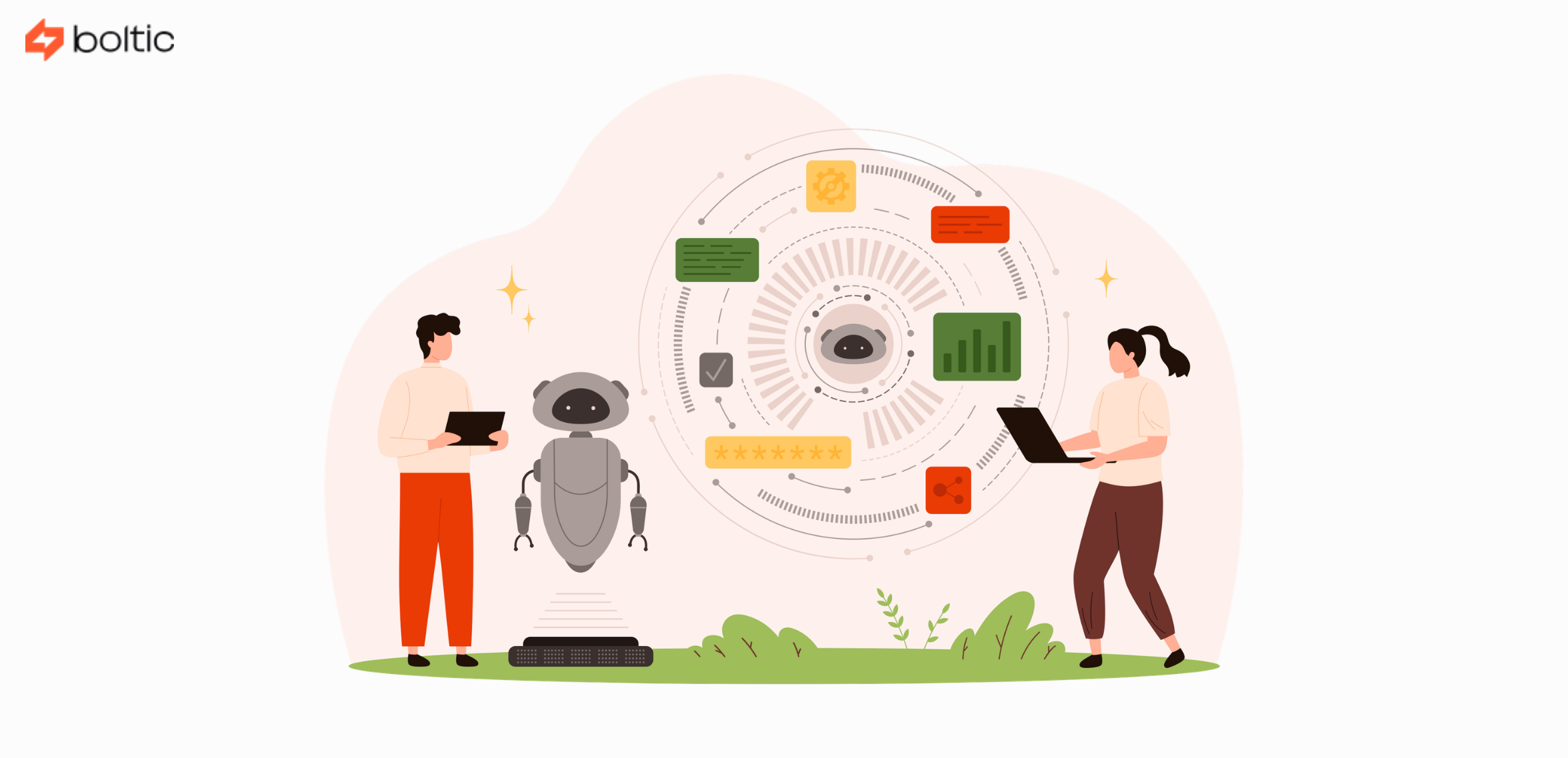
Enter Retrieval-Augmented Generation, or RAG. It does not allow your AI to just “wing it” using possibly out-of-date training data. Your AI will first scan through your real documentation to gather the facts and then come up with an answer based on the truth before responding to the question. Reports indicate that RAG systems have minimized hallucinations as much as 40% compared to standalone LLMs.
Here, in this all-in-one guide, we’ll explain RAG in detail and show you how to construct a support agent powered by RAG using Boltic MCP that doesn't just sound smart, but also knows exactly what it's talking about. Let's dive in!
RAG Basics: How Does It Actually Work?
Think of a standard large language model as a brilliant student taking a test entirely from memory. Sometimes they ace it, but at times they just fill in some educated guesses that may sound right but are not. A RAG system, however, is equivalent to administering an open-book test to that student with all the reference materials provided.
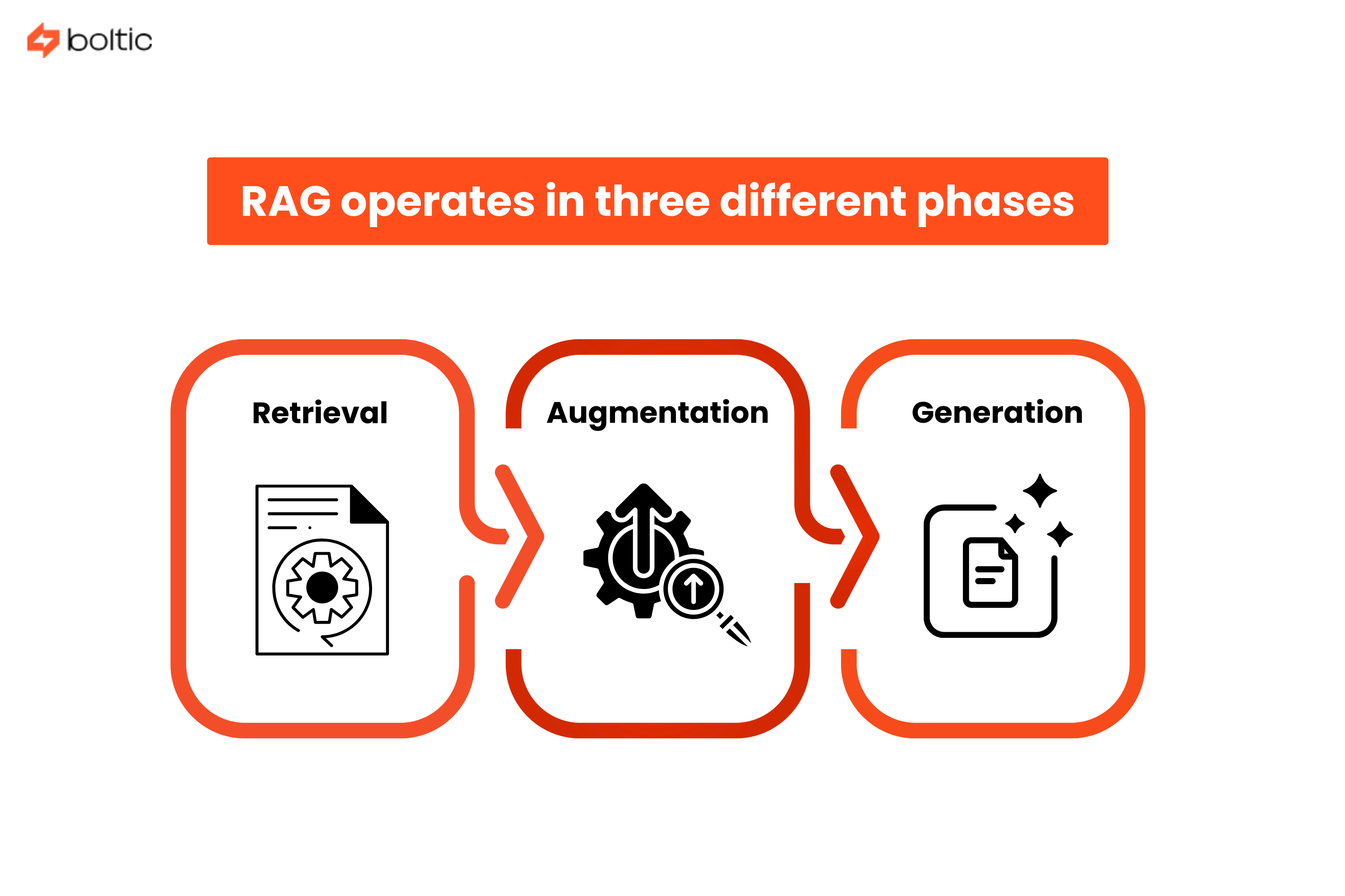
RAG operates in three different phases that take place in milliseconds:
- Retrieval - On being asked a question, the system transforms it into a mathematical form (also known as an embedding) and then scans your records of what you have been documenting to locate the most useful information.
- Augmentation - The retrieved documents are fused with the original query of the user to form an enhanced prompt against which the AI can operate.
- Generation - The AI agent takes the retrieved facts and language abilities to form a coherent and correct answer that is based on actual documentation.
When to Use RAG vs Other Approaches?
Not every AI problem needs RAG, and understanding when to use it will save you significant time and resources. Here's the breakdown:
Use RAG when:
- Your information changes frequently (product catalogs, policies, pricing)
- You need responses backed by specific, verifiable sources
- Your knowledge base is too large to fit in a model's context window
- You want to update information without retraining models
Use fine-tuning when:
- You need to change the model's tone, style, or behavior
- You're working with highly specialized jargon or domain terminology
- The knowledge is relatively static and core to your operations
Use prompt engineering when:
- You need quick iterations and testing
- Your use case is straightforward with clear instructions
- You don't need external knowledge integration
Practically, the strongest systems are those that incorporate all three. RAG gives the fact, voice is defined by fine-tuning, and prompt engineering controls the flow of interactions.
Setting Up a Knowledge Base That Actually Works
Your knowledge base is the foundation of your RAG system. Garbage in, garbage out is in full force here. The first step is to collect all the support resources: FAQs, product documentation, previous support requests, troubleshooting information, and policy documentation.
One of the most frequent errors is to dump all that in without curation. Not all information is equally valuable. Prioritize:
- Frequently asked questions and their verified answers
- Official product documentation with version numbers
- Approved troubleshooting workflows
- Current policies (and archive outdated ones)
Chunking Strategies That Actually Work
Here's where things get technical, but stick with us. When you feed documents into a RAG system, you can't just throw in entire manuals. You need to break them into digestible "chunks" that the retrieval system can work with.
The chunk size dilemma:
- Too large, and your retrieval becomes imprecise. Imagine having to search through whole cookbooks to find a particular recipe.
- Too small, and you lose context, such as reading separate sentences out of context.
The majority of production RAG systems work best using 200-500 token-sized chunks (approximately 1000-2500 characters) with 10-20% of overlap between chunks. This overlap is to make sure that ideas between chunk boundaries are not lost.
Chunking strategies to consider:
- Fixed-size chunking - Simple and fast. Split documents every N tokens regardless of content structure.
- Semantic chunking - Split on meaningful boundaries like paragraphs, sections, or topic changes.
- By-title strategy - Preserve document structure by keeping sections intact and never mixing content across headers.
For support documentation, semantic chunking typically works best. It respects the natural information architecture and keeps related concepts together.
Embedding for Search
After chunking, the pieces should be represented as numbers known as embeddings. Consider embeddings as coordinates in a huge multidimensional space in which similar concepts are close to each other.
When someone asks, "How do I reset my password?", the system converts that question into coordinates and finds the nearest neighbors in your knowledge base. The math handles the heavy lifting of understanding that "reset password," "change credentials," and "recover account access" are all related concepts.
Building Your RAG System with Boltic MCP
The Model Context Protocol (MCP) has been a game-changer for building AI agents that actually do things. MCP standardizes how AI models discover, select, and call external tools and data sources.
Think of MCP as a universal adapter for your AI agent. With MCP, you can talk to every database, API, or service you desire to connect with using a common language instead of hard-coding each one of them.
Why does this matter for RAG?
Traditional RAG implementations required custom code for every data source.
- Want to search your knowledge base? Custom code.
- Need to check a customer's account status? More custom code.
- Want to create a support ticket? You guessed it, more custom code.
Using Boltic MCP, you only have to define your data sources and tools once using the MCP standard and leave it to your AI agent to automatically know how to use them. The AI is capable of reasoning to know what tool to call, when to call, and how to blend the information from multiple sources.
Connecting to Vector Databases
Your RAG system needs somewhere to store those embeddings we talked about earlier. This is where vector databases come in. These are specialized databases optimized for similarity search.
Popular options include:
- Pinecone - Managed service with excellent performance (p50 latencies under 10ms) and automatic scaling.
- Weaviate - Open-source with native hybrid search combining vector and keyword matching.
- Qdrant - High-performance with strong multi-tenancy support.
Boltic MCP simplifies the connection process. Instead of wrestling with database-specific APIs, you configure your vector database as an MCP server, and your RAG agent can query it using standardized MCP calls.
Configuring the Retrieval Pipeline
Your retrieval pipeline determines which documents make it from your knowledge base into the AI's context window. Getting this right is crucial for both accuracy and cost (remember, you pay for tokens).
Bringing Your Support Agent to Life
Your AI support agent’s lifecycle looks roughly like this:
- Capture the query from chat, email, or a help center widget.
- Detect intent using a lightweight classifier or the LLM itself:
- Billing question?
- Technical troubleshooting?
- Account management?
- Decide the workflow:
- Pure RAG answer (e.g., “How do I reset my password?”).
- RAG + MCP action (e.g., “Cancel my next shipment”).
- Direct handoff to a human (e.g., high‑risk or highly emotional topics).
Retrieval configuration
Retrieval quality is where many RAG projects succeed or fail. A few practical guidelines:
- Top-k results - How many documents to retrieve? Start with 3-5 for most queries. More isn't always better; irrelevant context can actually hurt accuracy.
- Similarity threshold - Set a minimum relevance score. When nothing passes the threshold, the system can accept that it does not have the information and not hallucinate.
- Hybrid search - Combine vector similarity with traditional keyword matching for better recall on specific terms like product codes or technical identifiers.
Prompt engineering for context‑aware responses
Even with perfect retrieval, the model needs clear instructions. A robust support prompt often includes:
A system message that:
- Defines tone (“empathetic, concise, professional”).
- Enforces grounding (“only answer from the provided context; if unsure, say you don’t know and escalate”).
A structured format:
- Short summary.
- Step‑by‑step instructions, if applicable.
- Links or references to underlying docs.
Guardrails:
- Never change policies.
- Never fabricate discounts, legal claims, or security advice.
Companies that combine RAG with tight prompting have reported faster responses (45% shorter average response time) and around 28% faster resolution on support interactions.
Citation and Source Attribution
One of RAG's superpowers is transparency. Unlike a black-box AI that just gives answers, a RAG system can show its work.
Every response should include source citations that link back to the original documentation. This serves three purposes:
- Trust - Users can verify the information themselves.
- Debugging - When an answer is wrong, you can trace it back to the source document that needs updating.
- Compliance - For regulated industries, audit trails are essential.
Advanced Features: Taking Your RAG Agent to the Next Level
Real support conversations rarely resolve in a single exchange. Your RAG system needs to maintain context across multiple turns without getting confused or mixing up information from different parts of the conversation.
Implement conversation memory that tracks:
- Previously retrieved documents (so you don't re-fetch the same content)
- User's stated problem and current position in the troubleshooting flow
- Failed solution attempts (so you don't suggest them again)
Fallback Strategies for Knowledge Gaps
Even the best knowledge base has gaps. When your retrieval comes up empty, have a plan:
- Graceful admission - "I don't have a record of that particular case. Let me connect you to a human agent that can assist you."
- Associative information - "I do not see information related to X, but here is some information about the associated subject of Y."
- Documentation gaps - Log unknown queries so your team can fill documentation gaps.
Continuous Learning from Feedback
RAG systems should improve over time. Implement feedback mechanisms:
- Thumbs up/down on AI responses
- "Was this helpful?" prompts
- Track which retrieved documents led to resolution vs. escalation
- A/B test different chunking strategies and retrieval configurations
Testing and Optimization: Making It Production-Ready
You can't improve what you don't measure. Key metrics for RAG systems include:
- Context Adherence: Does the response stick to retrieved documents or drift into speculation?
- Precision of Retrieval: Are the top-k results really relevant to the query?
- Completeness: Does the response use all relevant information from retrieved documents?
Create a test set of common queries with known-good answers. Run your RAG system against this test set regularly and track performance over time.
A/B Testing Chunking Strategies
Various chunking strategies are suitable for different content types. Run experiments:
- Test 250-token vs. 500-token chunks
- Compare fixed-size vs. semantic splitting
- Measure retrieval accuracy and the quality of each response.
This isn't one-size-fits-all. Technical manuals may not respond to what works with FAQ documents.
Production Monitoring
Once deployed, monitor these metrics continuously:
- Query latency (aim for under 2 seconds end-to-end)
- Retrieval failures (queries with no results above threshold)
- Escalation rate (what percentage of conversations require human handoff)
- User satisfaction scores
Set up alerts for anomalies. When there is a sudden increase in the number of retrieval failures, you may be due for a change in your knowledge base or a change in your embedding model.
Conclusion
Creating a RAG-powered support agent is not merely a case of applying the latest AI trend, but instead it is a solution to a real issue that is costing business organizations customer loyalty and support team hours. Whether a chatbot will be frustrating to users or will actually offer some real help depends solely on whether the chatbot can access the correct information at the correct time.
The transition between prototype and production needs to be planned. Your RAG system should have a solid infrastructure, including versioning, security measures, and automatic updates of content. Scale planning should be made early on with distributed databases, caching plans, and load balancing.
As you move forward, focus on these priorities:
- Start with a narrow, high-impact use case rather than trying to automate everything at once
- Establish clear metrics for success and monitor them religiously
- Build feedback loops that help your system learn from every interaction
- Keep your knowledge base current; stale documentation defeats the purpose of RAG
- Plan for continuous optimization rather than "set it and forget it."
Ready to build RAG workflows without the integration headache? Then contact us today and start building RAG-Powered AI support agents using Boltic MCP. It eliminates months of custom development by providing pre-built integrations to vector databases, LLMs, and your existing business tools.
The future of customer support isn't replacing humans; it's augmenting them with AI that has the facts to back up every answer it gives.
drives valuable insights
Organize your big data operations with a free forever plan
An agentic platform revolutionizing workflow management and automation through AI-driven solutions. It enables seamless tool integration, real-time decision-making, and enhanced productivity
Here’s what we do in the meeting:
- Experience Fynd Boltic's features firsthand.
- Learn how to automate your data workflows.
- Get answers to your specific questions.