

Suppose you hire a brilliant assistant who is in a soundproof room. They can chat with anyone who comes in, but they cannot check your calendar, view your inventory, or pose any questions to your sales team. They are brilliant and sensitive, yet they exist in isolation. That is precisely what a standalone chatbot is: a conversational island that is not connected to the mainland of your business data.
Now, imagine closing that gap. Suddenly, that assistant can access a customer’s purchase history, book a meeting directly on your calendar, and alert your shipping department within seconds when a customer initiates a return.
This is the strength of chatbot integration. It transforms a conversational interface from a lifeless FAQ machine to a living business agent with the ability to access and retrieve data, update records, and run workflows throughout your entire technology stack.
In this comprehensive guide, we'll explore what chatbot integration is, why it has become the backbone of customer experience, and how you can use the concept to elevate your current customer experience beyond "good" to "memorable".
What Is Chatbot Integration?
Chatbot integration involves integrating your chatbot software with other third-party applications, databases, and systems in your business ecosystem. It is the digital version of giving your chatbot a backstage pass to all departments in your organization.
Without integration, a chatbot is simply a conversational interface based on pre-written code and predefined knowledge. It is capable of saying "Hello" and asking "How can I help you?” But it can't do anything meaningful with real-time information.
Using your chatbot, you can push and pull real-time information across platforms by connecting it via APIs (Application Programming Interfaces) or Webhooks. It becomes an active agent that can:
- Retrieve Data: "What is the status of my order #1234?" (Chatbot checks your ERP system)
- Update Records: "I want to change my shipping address." (Chatbot updates your CRM)
- Trigger Actions: "Can I book a demo?" (Chatbot schedules a slot and notifies your sales team on Slack)
It is this smooth flow of information and action that differentiates a mere chatbot and an actual integrated AI solution.
Why Is Chatbot Integration Crucial for Modern Businesses?
The modern consumer seeks immediacy, context, and personalization. They do not simply desire answers: they desire solutions.
When your bot is forced to say, "I cannot access that information at this time, please give us a call on our support line", it creates friction, not efficiency. Here’s why strategic deep integration is no longer optional.
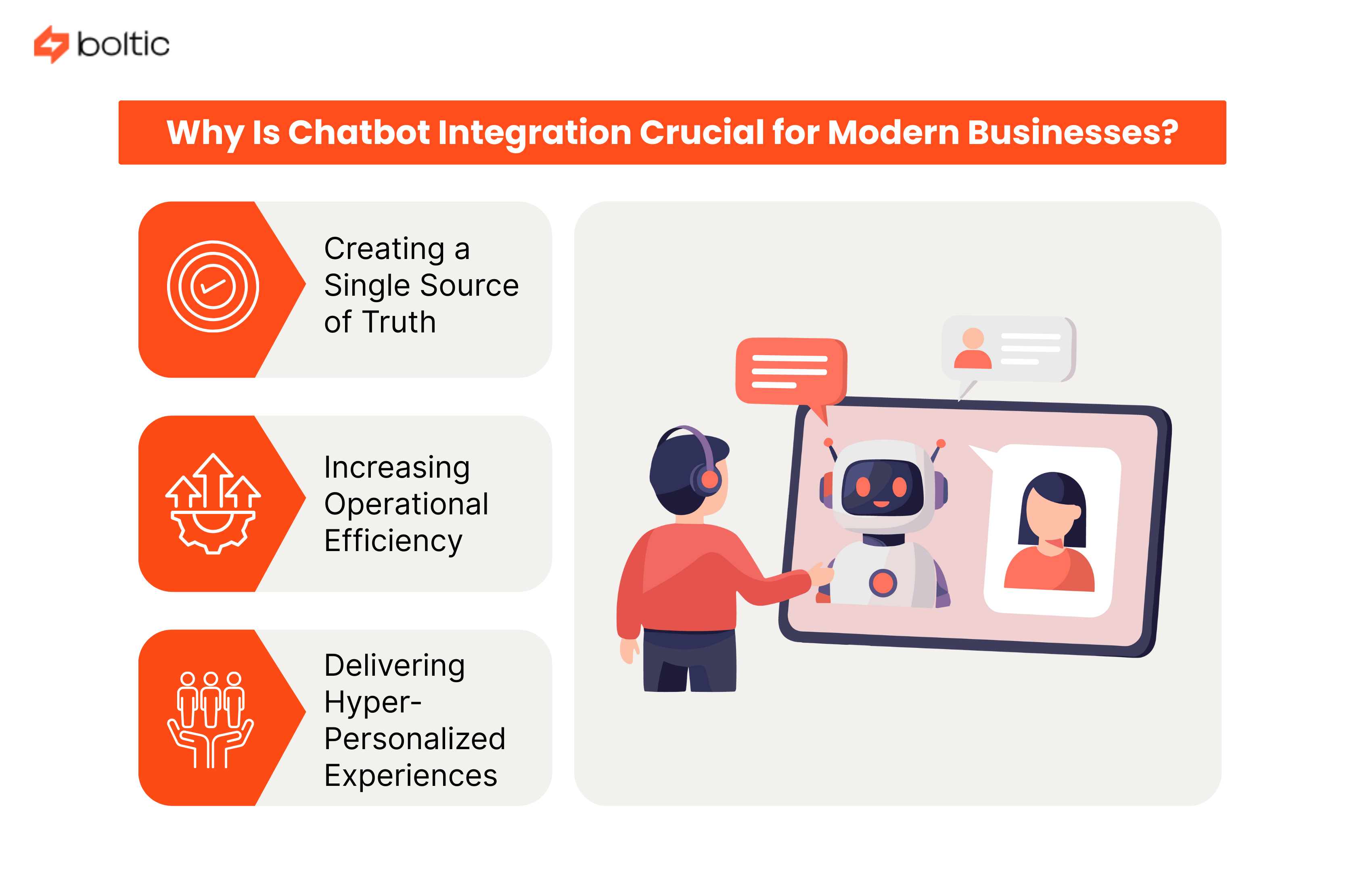
Creating a Single Source of Truth
Data silos are the bane of efficiency and customer satisfaction. When the chatbot is connected to your Customer Relationship Management (CRM) system, all the interactions will be recorded at the central point in real-time. It means that your sales team will know what a lead inquired about prior to them picking up the phone.
For example : your support agents will know a customer is frustrated about a delayed delivery before they even say "Hello" on the call.
This centralized view removes the frustrating experience of customers having to repeat themselves across channels. When all systems communicate with the chatbot, you gain a 360-degree view of every customer, enabling truly personalized engagement at scale.
Increasing Operational Efficiency
Data entry and repetitive administrative processes are time-consuming and may lead to human error in manual data entry. The modern chatbots are integrated to automate the grunt work that used to take hours of employee time. Rather than having one of the human agents manually scrape the information in a chat log and copy it into a CRM, the chatbot does this automatically, precisely, and instantly.
In the case of a customer requesting a return, the chatbot can write a return authorization in your system, produce a shipping label, and email it to the customer, and it does not require a human to be involved. According to industry statistics, integrated chatbots answer 70-90% of customer queries made to businesses without human intervention.
Delivering Hyper-Personalized Experiences
Generic and universal answers destroy conversion rates and customer loyalty. An integrated chatbot doesn't just know what you're asking; it knows who you are. Once a user has landed on your site, a built-in chatbot can identify them and fetch their profile from your database.
Consider the difference:
- Standalone Bot: "Welcome! How can I help you today?
- Integrated Bot: "Welcome back, Sarah! I see your premium subscription is renewing on Tuesday. Would you like to upgrade to our Enterprise plan for advanced reporting?
Such highly personalized interaction triggers more conversion rates and customer retention.
How Chatbot Integration Works: The Mechanics
You do not have to be a software engineer to know the technical background of chatbot integration. The good news is that the current "no-code" and "low-code" platforms have made the integration incredibly easy.
APIs: The Universal Messenger
APIs are the universal language of the internet, allowing two software programs to communicate with one another. When the user poses a question to your chatbot, the chatbot sends an API request to your database or business system. That system processes the request and returns a response with the requested information, which is then translated by the chatbot into natural language.
Webhooks: The Automated Trigger
While APIs work like a phone call, with one system posing a question and waiting for another to answer, webhooks work as a push notification. They are automated messages that are sent by one application to another in case a given event takes place.
Middleware: The Central Nervous System
Complex business environments with dozens of applications can turn the management of individual integrations overwhelming. That is where middleware and automation platforms come into play.
Boltic serves as the orchestration layer with Boltic MCP and can be used to mediate the data flow, data transformation, and routing between your AI chatbot and your tech stack. Rather than making ten distinct integrations, you make a single connection to the middleware platform, which then does the complex task of communicating with all your other tools.
This saves a significant amount of implementation time, allowing you to maintain and scale your integration architecture easily.
Key Types of Chatbot Integrations
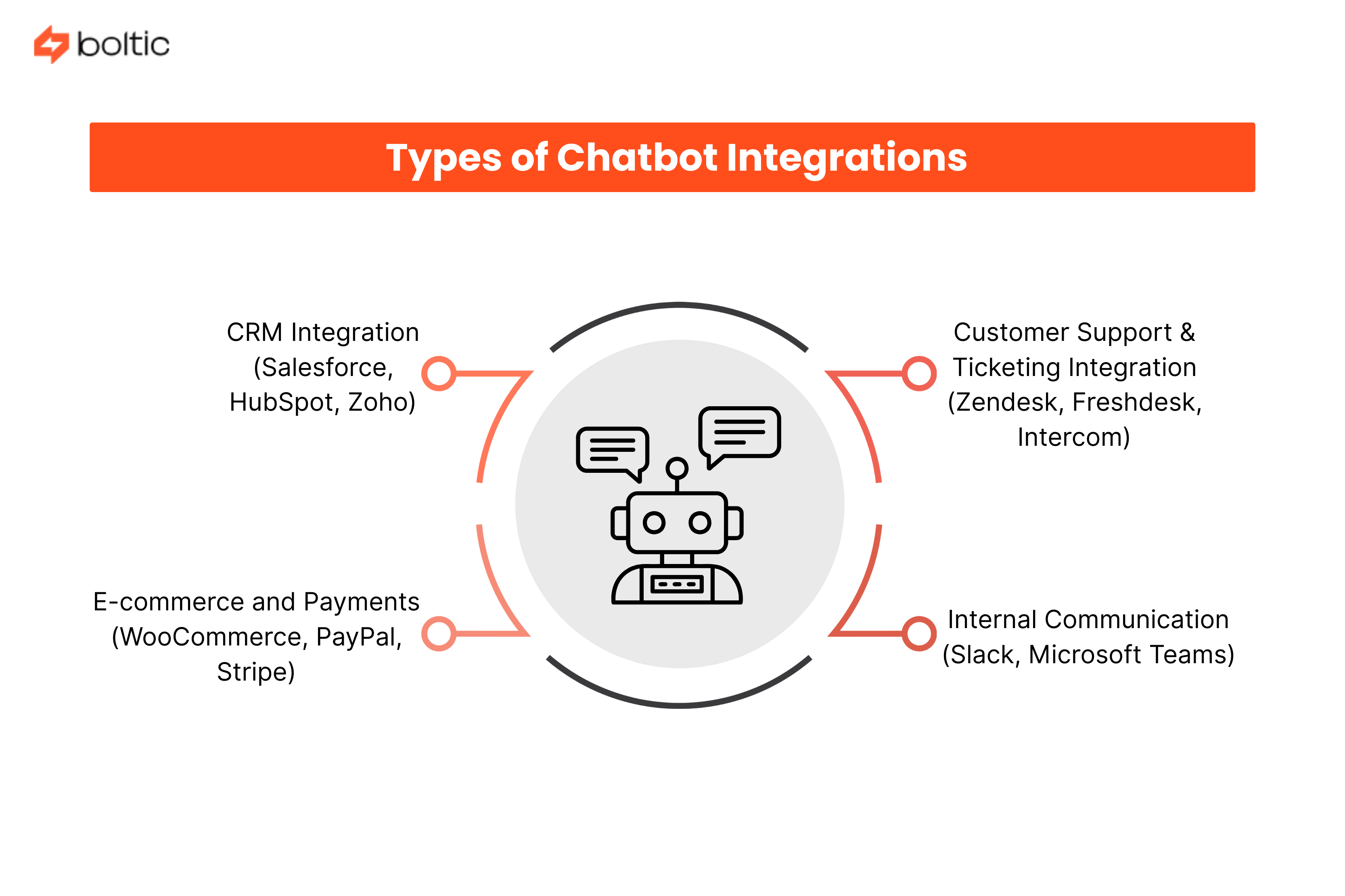
In order to create a genuinely strong conversational ecosystem, a system of integrations across several types of business systems is required. These are the most crucial forms that bring quantifiable business value.
CRM Integration (Salesforce, HubSpot, Zoho)
Integration of CRM can be viewed as the holy grail of sales and marketing teams. When your chatbot is linked to your CRM, you can automatically identify and prequalify leads in real-time.
Key capabilities include:
- Lead Qualification - The bot asks qualifying questions, and automatically tags leads as "Hot," "Warm," or "Cold."
- Contextual Handoffs - Once a human agent takes over, they can view the entire chat history in the CRM interface.
- Automatic Data Entry - Lead data is immediately passed to your CRM without human intervention.
Customer Support & Ticketing Integration (Zendesk, Freshdesk, Intercom)
Your chatbot acts as your Tier-1 support agent and addresses frequent questions and smartly escalates complicated questions.
Integration benefits:
- Automated Ticket Creation - When the bot is unable to solve a problem, it will automatically generate a support ticket with every detail already filled in.
- Status Updates - Users can ask, "What's the status of ticket #555?" and receive immediate and precise updates.
- Self-Service Resolution - Properly implemented support chatbots can address 75-90% of routine inquiries without the intervention of a human being.
E-commerce and Payments (WooCommerce, PayPal, Stripe)
Chatbots deployed on e-commerce sites can directly convert pre-purchase conversations into completed transactions.
Powerful applications:
- Abandoned Cart Recovery - The chatbot will send follow-up personalized messages when customers abandon items in their cart.
- Order Tracking - Shipment information is retrieved in real-time by the bot, and it responds to the most frequent e-commerce support question immediately.
- Conversational Commerce - Customers will be able to conduct transactions inside chat channels, which allows for a frictionless purchasing experience.
Internal Communication (Slack, Microsoft Teams)
Chatbots are not only used when engaging with external customers, but also as a powerful employee engagement tool.
Internal use cases:
- HR Automation - Employees ask, "How many vacation days do I have left?" and the bot checks the HR portal instantly.
- IT Support - Chatbots process password resets as well as simple troubleshooting, which decreases the number of tickets in the helpdesk.
- DevOps Alerts - Monitoring tools are integrated so that real-time alerts are sent once systems go down, resulting in faster response time for incidents.
Comparison: Standalone vs. Integrated Chatbots
To truly understand the value proposition of integration, here's a side-by-side comparison of capabilities and outcomes.
Seven Major Advantages of Chatbot Integration
In addition to the core benefits, deep integration also opens up strategic benefits that can fundamentally transform the way your business functions.
- Scalability on Demand - Integrated bots are capable of dealing with thousands of parallel conversations during peak seasons, such as Black Friday, without the temporary staff. They offer uniform service irrespective of volume.
- Omnichannel Consistency - Whether the customer reaches out to you through WhatsApp, Instagram, or your website, the integration will keep the chatbot informed of the context, regardless of the touchpoint. This generates the brand experience that the customers want.
- Reduced Operational Costs - The average cost of dealing with a customer inquiry through a chatbot is about $0.50 when compared to $6.00 for human-handled interactions, which is 12 times lower.
- Faster Sales Cycles - Embedded chatbots can capture and qualify leads in real-time and schedule demos automatically without the need to have email coordination.
- Proactive Engagement - Rather than acting upon complaints, integrated bots are able to identify any problems and contact the users in advance. In case of a payment failure, the bot will issue an immediate alert to the customer and provide support.
- Data-Driven Insights - Not only do you get analytics of what people ask, but also how the conversations relate to sales conversions, support ticket resolution rates, and customer lifetime value. This allows continuous optimization on the basis of hard data.
- 24/7 Global Operations - Your human team sleeps and takes holidays. Your integrated chatbot ecosystem does not. It continues to process orders, create tickets, and handle inquiries around the clock without interruption.
Boltic enables these benefits through its data integration that connects chatbots and AI agents directly with your core business systems.
Future Trends: The Rise of Agentic AI
As we move deeper into the AI era, chatbot integration is evolving from pre-defined workflows into something far more powerful. We are witnessing the transition from traditional "chatbots" into AI Agents that can reason, plan, and execute complex multi-step tasks with minimal human guidance.
A conventional chatbot is a complex flow chart, which runs on "if this, then that" logic. An AI Agent is a model driven by the large language models (LLMs) and deep system integrations, and follows a totally different approach. Rather than following a script, the agent is given a goal along with the tools required to achieve it, and it determines the optimal path autonomously.
For example : if you give an AI Agent the goal "Help this customer return their shoes," the agent can by itself:
- Check the return policy in your knowledge base.
- Verify the original purchase date in Shopify.
- Generate a prepaid return shipping label.
- Email the label to the customer.
This level of autonomous operation is only possible through a robust, flexible integration architecture that gives the AI Agent access to the tools and data it needs. Platforms like Boltic enable this future through AI workflows that connect and integrate your data with chatbots and AI agents.
Conclusion
Chatbot integration is the line between a basic conversational interface and a strategic business capability. A standalone chatbot as a concept will soon become stale as soon as people understand that it cannot assist them in performing actual activities.
An integrated chatbot, however, becomes a growth engine, a scalable, intelligent layer that sits between your customers and your business systems.
Ready to transform your workflows and unlock the full potential of conversational automation? Then contact us today and start building intelligent, no-code integrations with Boltic and turn your chatbot from a conversation starter into a business accelerator.
drives valuable insights
Organize your big data operations with a free forever plan
An agentic platform revolutionizing workflow management and automation through AI-driven solutions. It enables seamless tool integration, real-time decision-making, and enhanced productivity
Here’s what we do in the meeting:
- Experience Fynd Boltic's features firsthand.
- Learn how to automate your data workflows.
- Get answers to your specific questions.