



Fynd Boltic Database: The no-code database for teams
Database is a no-code tool designed to help teams efficiently organize, manage, and automate data workflows. Acting as a lightweight database, it enables users to store structured information like customer data, project timelines, or inventory.
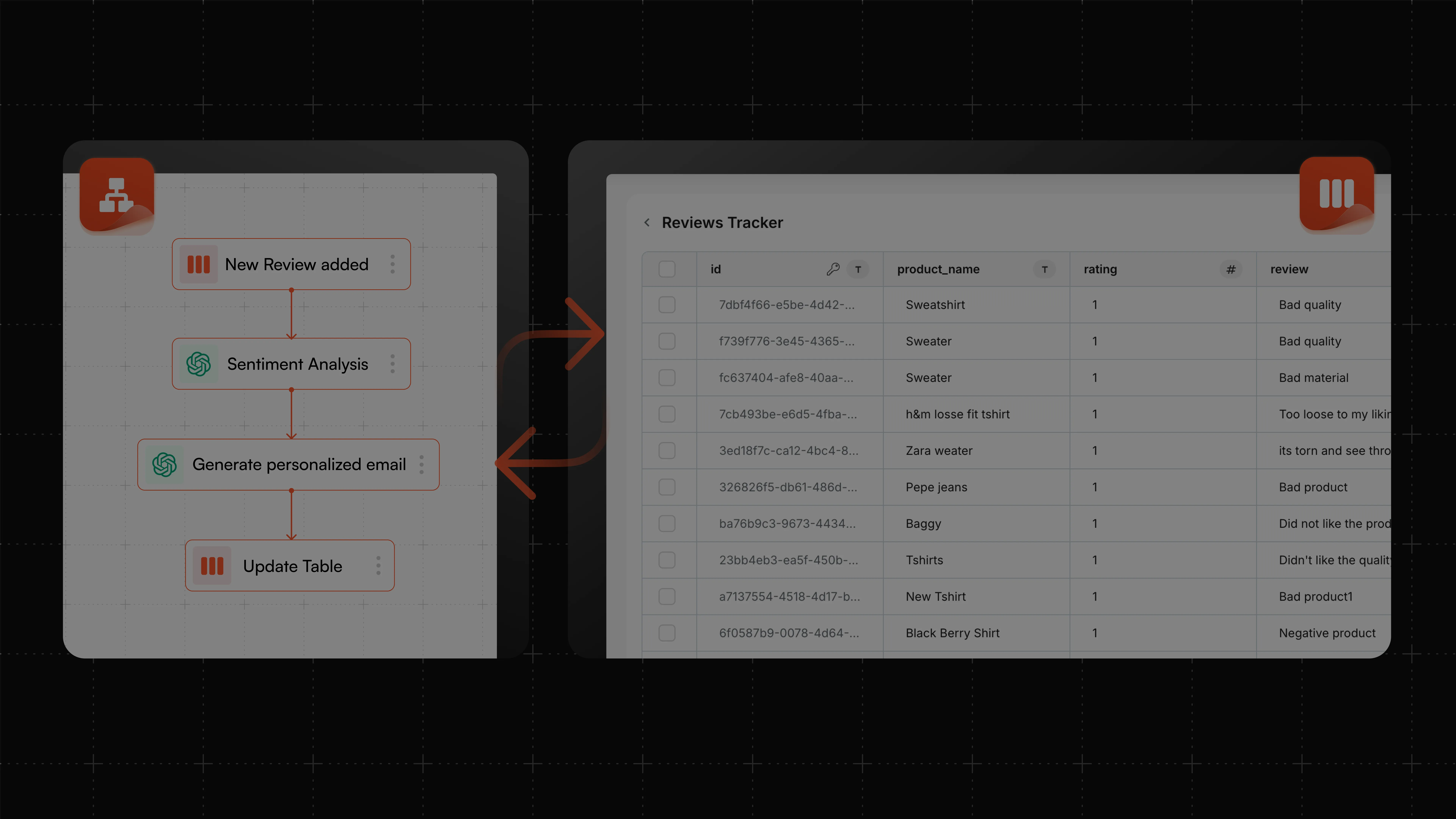

Focus on work that matters more, automate everything else on Fynd Boltic
Multiple Options for Table Creation
Create tables in seconds with AI-powered prompts, manual entry, or pre-built templates. Simply describe your needs to auto-generate and refine structures or choose a template for instant setup.

Easy Table Management
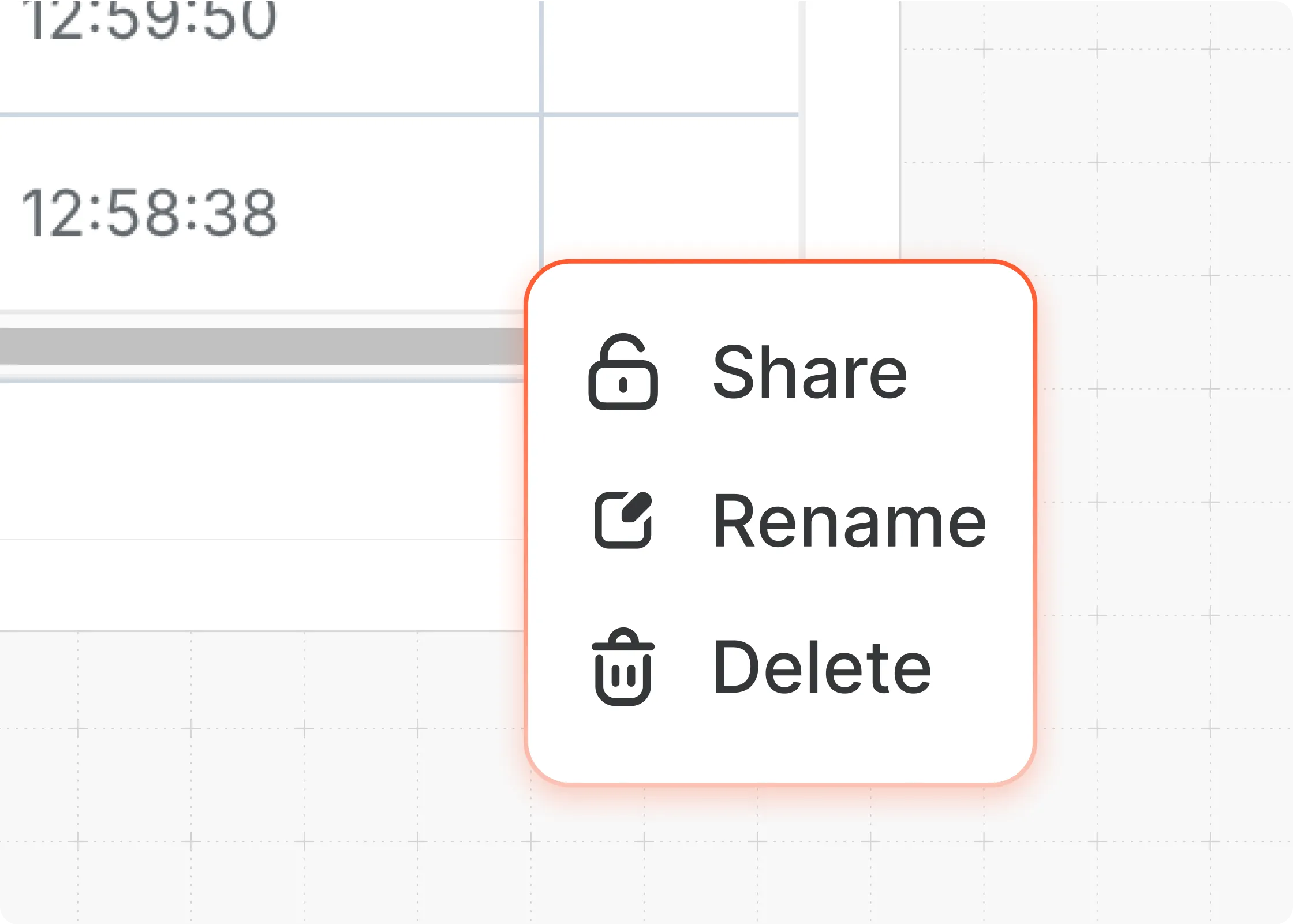
Effortlessly manage tables with renaming, access controls, and seamless navigation. Set visibility as public or private, filter and search with ease, and organize data efficiently with smooth pagination.
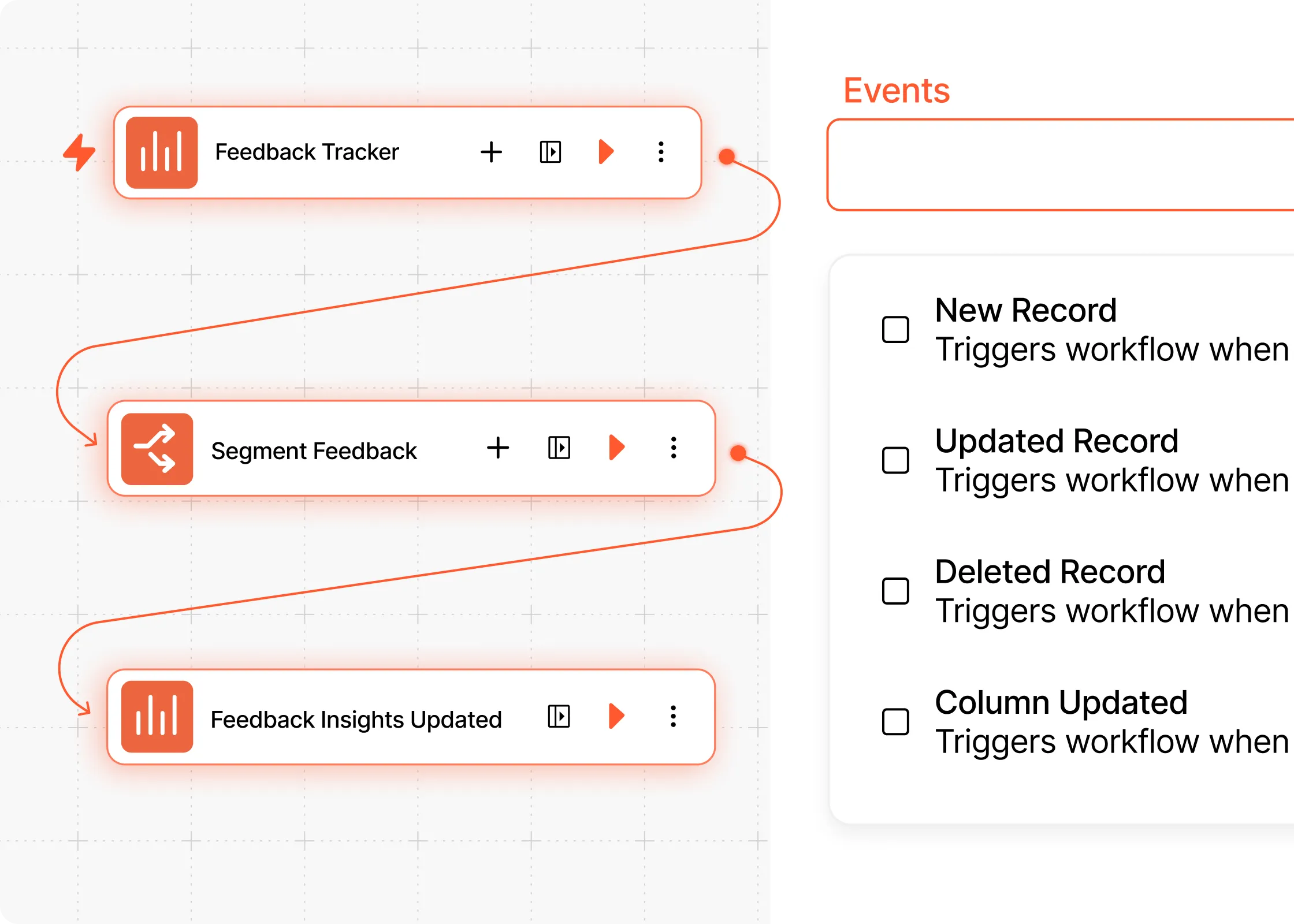
Workflow Automation
Automate workflows with trigger-based actions for record creation, updates, or deletions. Keep data synced in real time by auto-inserting, updating, or removing records effortlessly.
Ready-to-use templates to help you get started instantly

Customer Feedback Management
Collect, analyze, and act on feedback seamlessly. Use Fynd Boltic Database to store reviews, tag sentiments, and automate follow-ups.

Inventory Tracking
Keep your stock organized. Track inventory levels, predict reorder points, and automate supplier communications.

Sales CRM
Manage leads, track deals, and automate follow-ups to close sales faster

Project Management
Organize tasks, assign deadlines, and monitor progress with customizable views and real-time collaboration

Scale your onboarding process
Scale onboarding effortlessly with automated tasks and personalized communication for a seamless experience

Get started with a blank Table
Start with a blank table and customize it with data as needed
Choose from the growing list of 100+ pre-built Integrations
Not all native integrations work seamlessly together, which is why we offer 100+ app integrations. Combine them with our powerful apps to automate anything you need, exactly the way you want it.
Frequently Asked Questions
If you have more questions, we are here to help and support.
Fynd Boltic Database is a no-code database tool that lets you store, manage, share, and automate data seamlessly. It’s designed for everyone, whether you’re a tech-savvy user or a non-technical professional.
You can start by creating a database from scratch, using our pre-built templates, or leveraging the AI-powered creation feature to build a database based on your description.
Fynd Boltic Database supports various field types, including:
- Text, Number, Dropdown, Checkbox, Date
- Phone Number, Link, Currency, Email, and even JSON
Yes! Fynd Boltic Database enables real-time collaboration. You can edit and update Database simultaneously with your team, apply filters, and sort data to streamline workflows.
Fynd Boltic Database integrates seamlessly with workflows, allowing you to:
- Trigger workflows automatically based on table changes (e.g., new or updated records).
- Perform actions like creating, updating, or deleting records and dynamically listing them for advanced filtering.
Yes, Fynd Boltic Database ensures data security with private database sharing, role-based access control, and encryption (with column-level encryption coming soon).
Relational database support (foreign keys and connections between tables) is on our roadmap and will be introduced soon. In the meantime, you can manage structured data with custom fields and integrations.