

Your business probably doesn’t run on one tool. It runs on many. A CRM here, a support desk there, marketing software somewhere else, and a dozen internal tools quietly doing their own thing. On average, mid-sized companies use 100+ SaaS applications, and that number only climbs as teams scale.
Individually, these tools work well. Collectively? Chaos begins when they don’t talk to each other. Data gets copied manually. Reports don’t line up. Teams wait on updates that already exist (just in another system). Employees spend significant time simply searching for or reconciling information across disconnected tools. This is why an Integration Platform is needed.
It brings everything to one place. Instead of handling many separate systems, you use one tool that connects all your apps. It does the work automatically, and it makes sure your data moves correctly and on time.
Let's understand how integration platforms work. You will see the difference between iPaaS and custom integrations and how you can choose the right option for your business.
What is an Integration Platform?
An integration platform is a software solution. It helps you connect different applications and systems. Through this, they can exchange information smoothly. Instead of connecting every tool to each other one by one, you use one main platform. This single platform connects to all tools and handles everything in one place.
When you use an integration platform, you get a unified layer. It handles:
- Data movement
- Transformation
- Workflow logic
- Monitoring
This allows you to do tasks automatically. You do not have to do them by hand or use any other method for them.
For example, when a ticket is created in your support system, the integration platform can automatically update your CRM, notify the relevant team, and log the activity in your analytics system without separate scripts or manual steps.
For growing businesses, this approach reduces complexity, improves your accuracy, and keeps your work growing easily.
How an Integration Platform Works
Here is how the platform works:
- One app sends information
- The integration platform receives it
- The platform checks the rules you have set
- It adjusts the data if needed
- The data is sent to the right app
- The platform checks if everything worked properly
That’s it. The work happens automatically, without manual effort.
Why Businesses Need Integration Platforms Today
Modern digital environments are increasingly complex. Businesses use many tools and systems today. These include cloud apps, software tools, databases, and outside services.
All these systems need to work together, and they must share data and stay updated.
Without an integration platform, your:
- Data stays separate
- Work gets repeated
- Replies become slow
- Teams cannot see everything clearly
- Customers may have a bad experience
An integration platform helps you overcome these challenges. It helps you:
- Connect all systems
- Help them work as one
- Keep data the same and correct everywhere
Companies are using more and more software, so integration is no longer a choice. It helps you work faster and stay reliable.
Types of Integration Platforms
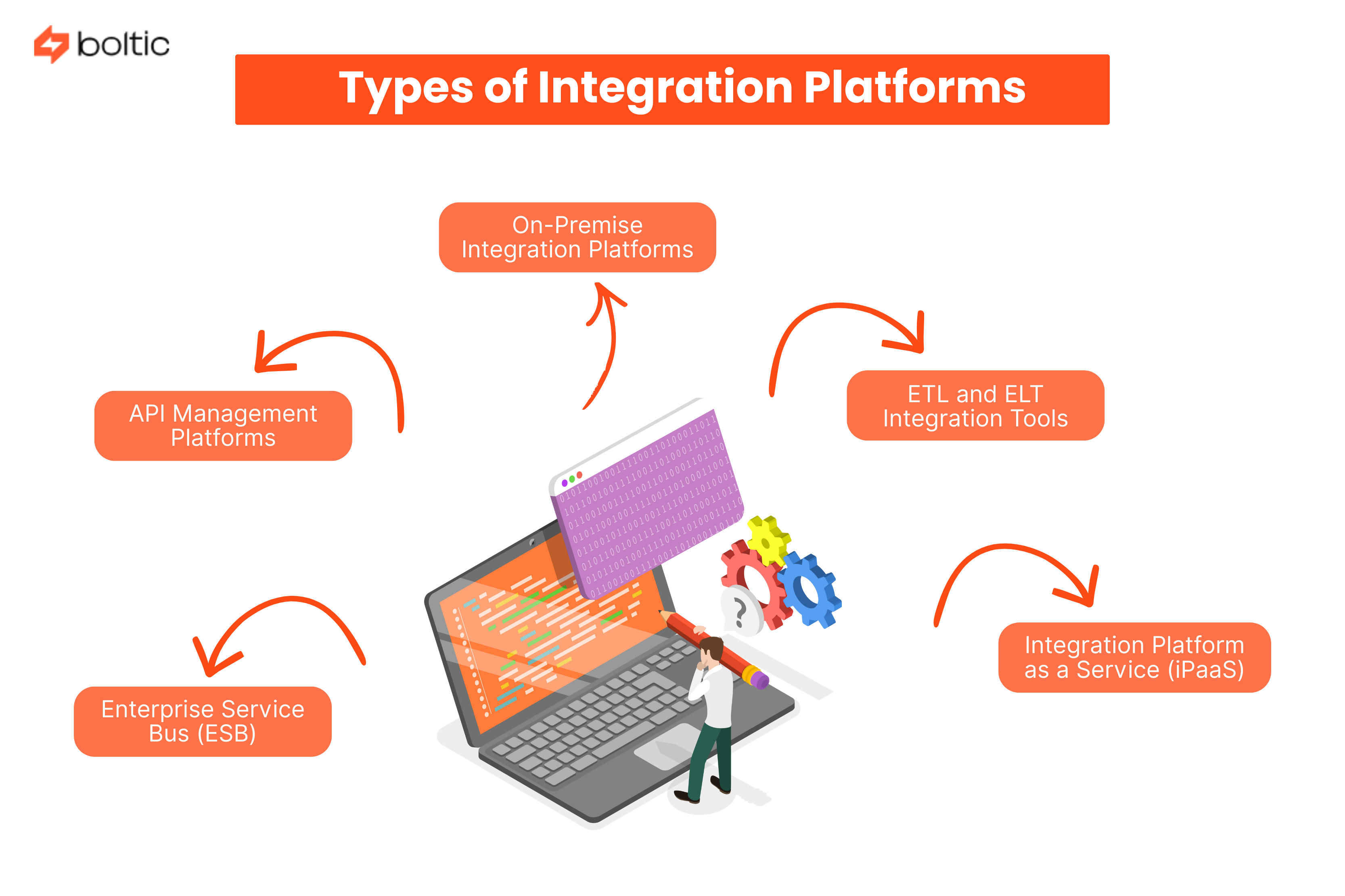
There are several types of integration platforms you can use today. Understanding these categories helps you decide what you need to choose for your business needs and technical use.
1. On-Premise Integration Platforms
On-premise integration platforms are installed and operated within your own infrastructure, running on internal servers. They offer greater control over data, security, and configurations.
This approach is often chosen by organizations with strict compliance or regulatory requirements. However, it requires significant upfront investment, ongoing maintenance, and a dedicated technical team.
Because of this:
- Growing the system takes more time
- It is slower than cloud-based options
2. ETL and ELT Integration Tools
These platforms focus mainly on data movement and transformation. They extract data from multiple sources, transform it into a usable format, and load it into a central destination such as a data warehouse or analytics system.
You can use this integration tool when your primary goal is analytics, reporting, or historical data analysis. However, they are not very good for work that needs real-time automation or event-based integrations.
3. Integration Platform as a Service (iPaaS)
iPaaS solutions are cloud-based integration platforms designed for flexibility and speed. They offer pre-built connectors and eliminate the need to manage servers or complex infrastructure.
Most iPaaS platforms provide a centralized interface where teams can configure integrations, automate workflows, and monitor performance from a single dashboard.
4. API Management Platforms
API management platforms focus on creating, publishing, and monitoring APIs. They are important to use when you want to show your services to external partners or internal teams in a good manner.
While API management is an important part of integration, it does not help you cover the full workflow or data transformation on its own.
5. Enterprise Service Bus (ESB)
ESB is a legacy integration approach that uses one central system (bus) so applications can talk to each other. Many old systems still use ESB because they were built long ago.
However, ESB is not very flexible. It is very hard for you to change and to grow when systems become bigger. It also does not work very well with modern and cloud-based systems.
Key Components of an Integration Platform
No matter which type you choose, most integration platforms have some basic parts. These parts help them work well.
- Pre-Built Connectors and Adapters - These connectors allow you to use common tools quickly. You can set up ready-made adapters so you can safely connect different systems. This reduces development time and speeds up deployment.
- Data Mapping and Transformation - Different systems keep data in different ways. Integration platforms include data mapping and transformation features. These make sure your information remains consistent across tools. This prevents errors and you get reliable data exchange.
- Workflow Orchestration - It lets you set triggers and actions between systems. You can make many steps work on their own without manual work. This is very helpful when your work has many steps and feels hard to manage.
- Monitoring and Analytics - Integration platforms give you real-time visibility into integration performance. You can track errors, see the data flow, and see how long a task takes to finish. This helps you find issues early and you can maintain reliability.
- Security and Compliance - Security features such as encryption, access control, and audit logs protect sensitive data during transfer and storage, ensuring compliance with internal policies and regulatory requirements.
iPaaS vs Custom Integrations
One of the most common decisions you may have to make is whether to use an iPaaS solution or have custom integrations. This table shows you the key differences:
With iPaaS, you get speed, scalability, and ease of management. With custom integrations, you get full control, but it takes long-term maintenance and complexity.
For most growing businesses, iPaaS can give the right balance between flexibility and operational efficiency.
How Integration Platforms Are Used in IT Service Management
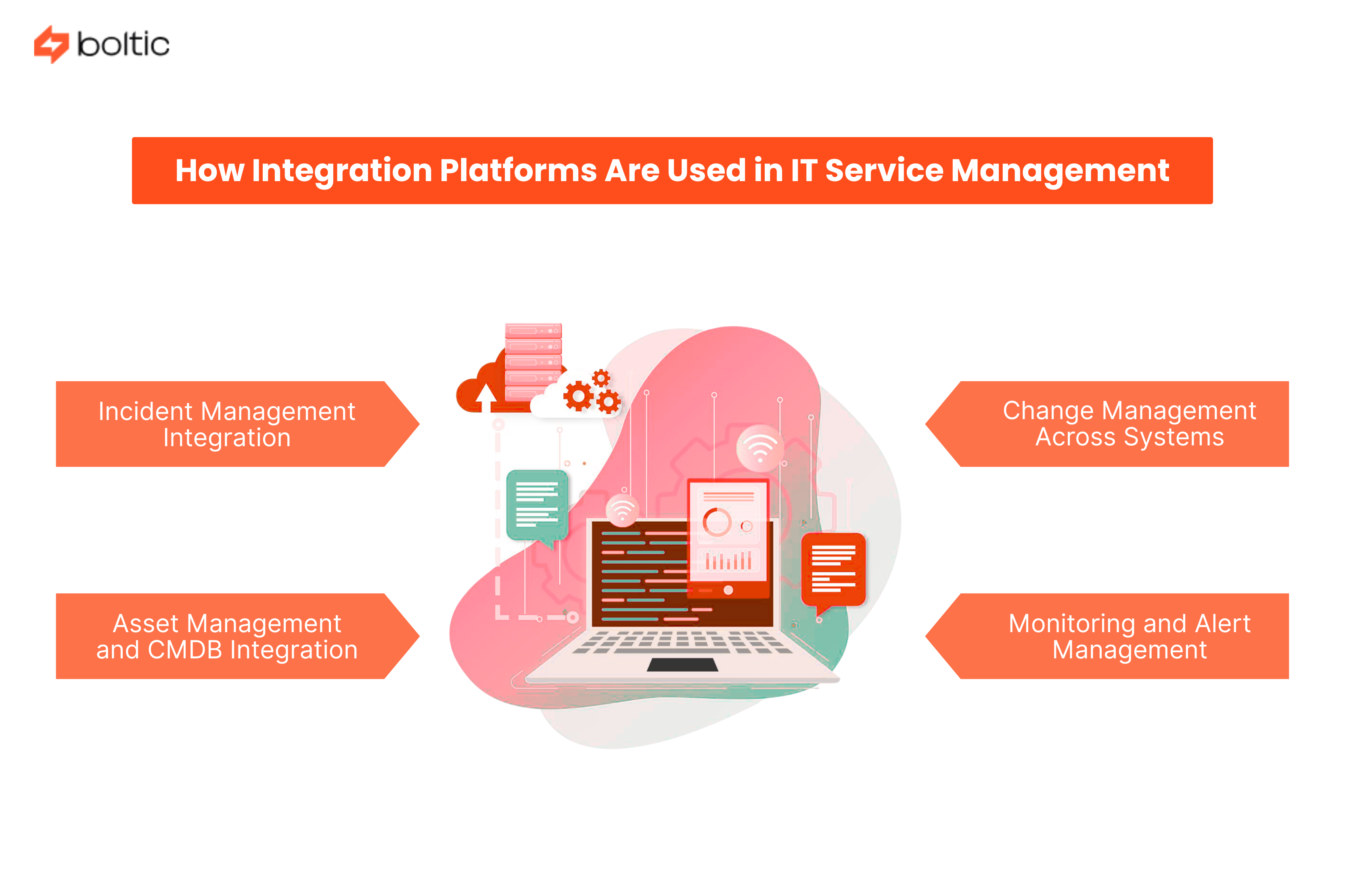
Integration platforms play an important role in IT Service Management by connecting tools used for incident management, monitoring, and change processes.
- Incident Management Integration: When monitoring tools find a problem, the system can make a ticket on its own. It gives the ticket to the right person and sends a message to the right team. This helps the team act faster and reduces manual work.
- Change Management Across Systems: Integration platforms synchronize change requests across tools. When a change is approved or used, the update goes automatically to all other systems that are connected.
- Asset Management and CMDB Integration: By connecting asset management tools with your CMDB, you can see all assets and their links clearly. The information stays updated all the time.
- Monitoring and Alert Management: Integration platforms help you decide which alerts are most important, add details so the problem is easier to understand and send the issue to the right team quickly.
What to Consider When Choosing an Integration Platform
- Before choosing an integration platform, you should find a clear strategy that matches your goals.
- You should make sure you have proper governance, documentation, and team training. Integration works well only when your technology and proper work practices are both in place.
- Regularly review and optimize your integrations. It makes sure they continue to deliver value as your business grows.
How Boltic Fits Into Your Integration Strategy
Boltic is a no-code and AI-powered integration platform. It is made to simplify complex workflows. Their visual builders, automation templates, and scalable infrastructure help you connect with tools without so much technical effort.
Boltic allows you to:
- Automate workflows
- Manage integrations
- Gain real-time visibility
Boltic helps you work faster and feel sure about what you are doing. You can use it to connect your own tools or make different apps work together easily.
Summing Up
An integration platform helps you change disconnected tools into a unified system. You may be choosing between an iPaaS and custom integrations or you may be trying to improve how your current work runs. In both cases, the right platform makes a clear difference.
If you want to simplify integrations and automate workflows without complexity, you can explore Boltic. They can support your integration strategy.
drives valuable insights
Organize your big data operations with a free forever plan
An agentic platform revolutionizing workflow management and automation through AI-driven solutions. It enables seamless tool integration, real-time decision-making, and enhanced productivity
Here’s what we do in the meeting:
- Experience Fynd Boltic's features firsthand.
- Learn how to automate your data workflows.
- Get answers to your specific questions.