

Workflow automation platforms are used by organisations to eliminate manual tasks that are repetitive in nature. This allows for saving time and resources and increases the overall process efficiency. Zapier, Lindy, and Make are a few popular workflow automation platforms which you can integrate into your organisation and improve the business processes.
Introduction
Organisations deal with many tasks that are repetitive in nature on a daily basis. These tasks distract employees and reduce productivity. Hence, many companies prefer to automate repetitive tasks to save time and resources. This is achieved through workflow automation, which reduces the dependency on manual work and allows employees to focus on critical tasks.
A workflow automation platform simplifies and streamlines business processes, significantly boosting organisational efficiency. Using pre-defined rules and actions, this software enhances task management and also improves collaboration.
Interested to learn more about workflow automation platforms and how to choose the best for your organisation. Keep reading for insights into comparing workflow automation platforms and choosing the right one.
Top 10 AI Workflow Automation Tools for 2025

Here are the best AI workflow automation tools you should consider for 2025.
1. Lindy
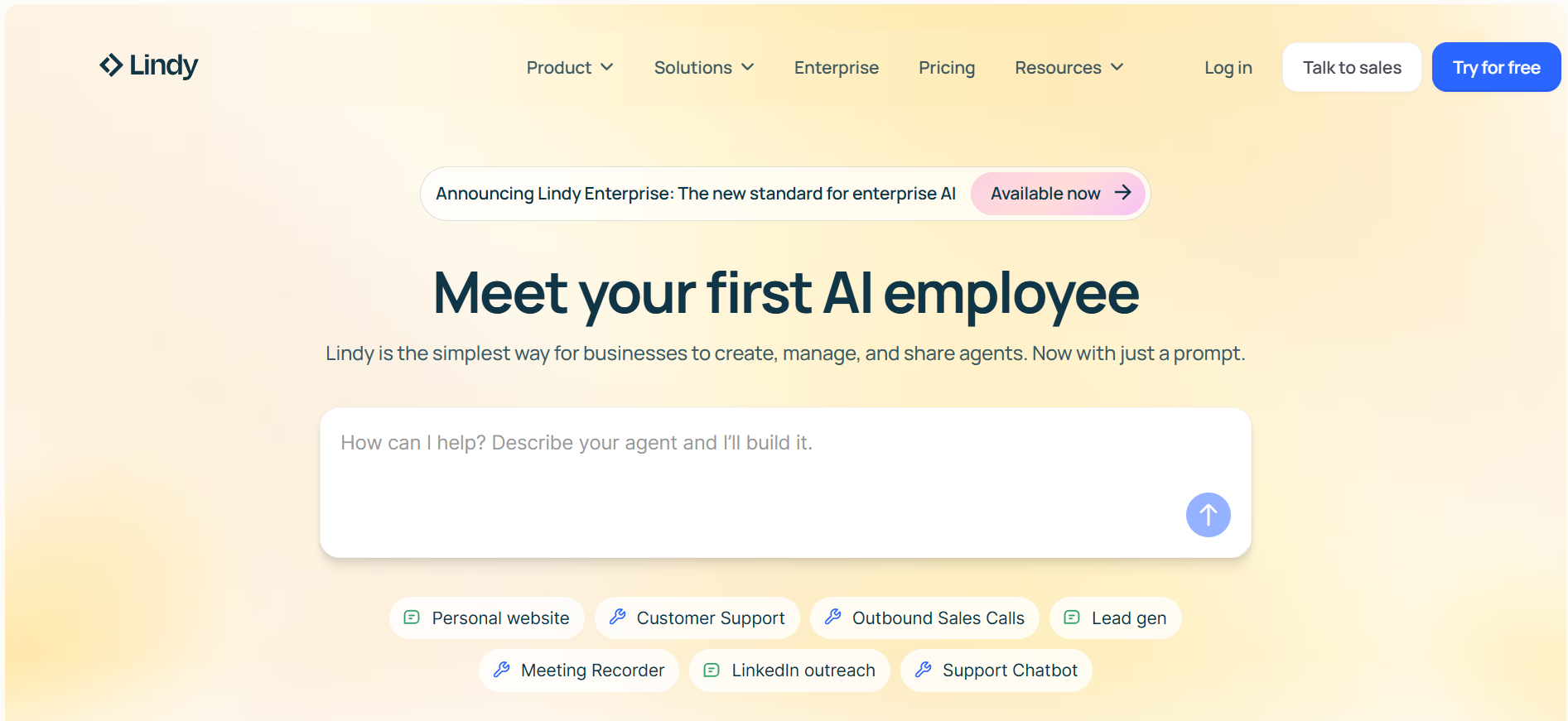
Using Lindy, you can delegate tasks that are repetitive in nature to AI agents. These agents can perform several tasks such as responding to emails, sending follow-ups, and updating CRMs. You can customise it for specific workflows with the help of a no-code interface. It is beneficial for teams that handle tasks across multiple workflows.
Key features:
- No-code builder
- Built-in memory
- 7,000+ integrations
- Multi-step logic
- Human-in-the-loop
- AI phone calling
Pros:
- No technical skills needed
- Agent-level reasoning
- Customisable templates
- Integrates with most business tools
Cons:
- Complex workflows need time to set up
- Not ideal for complete control
2. Zapier
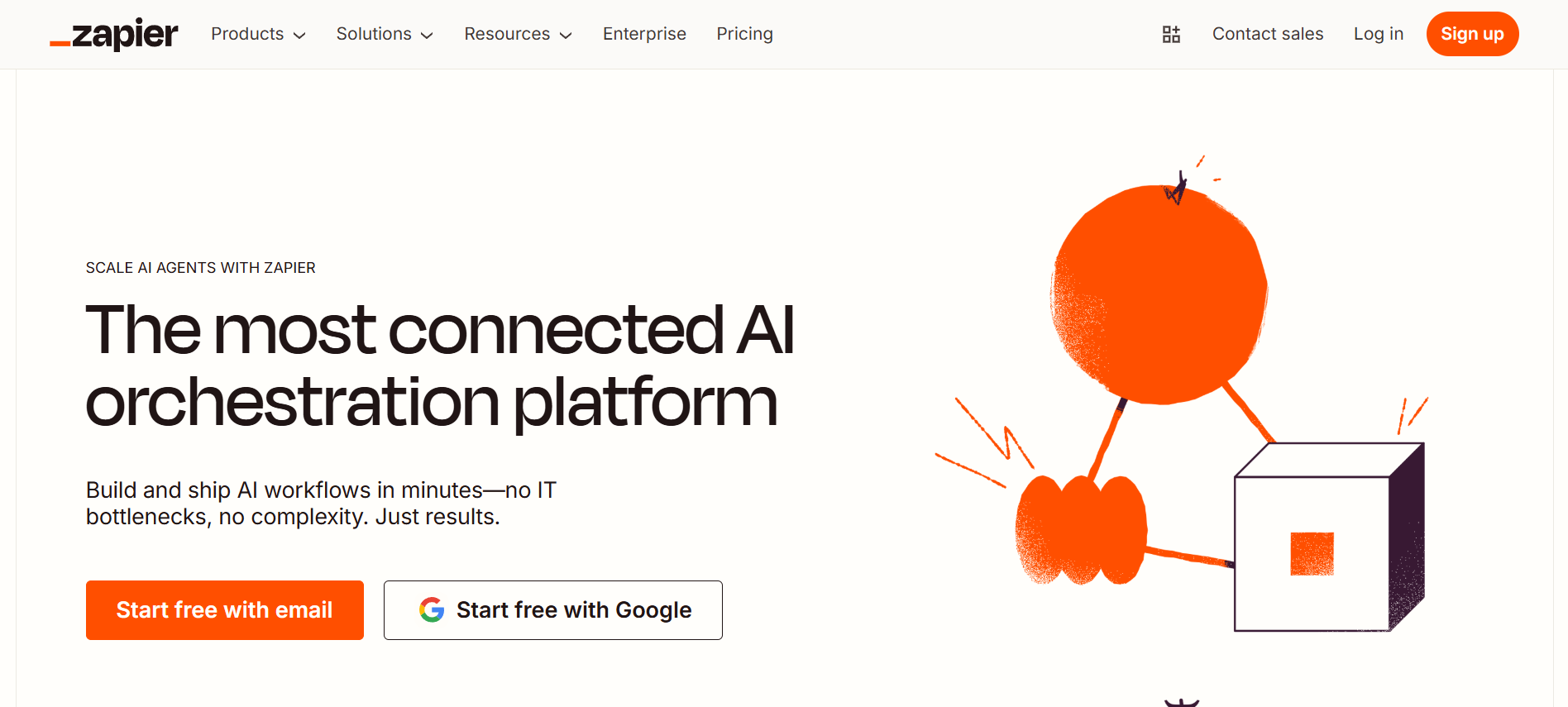
Zapier helps you to connect with apps such as Google Sheets, Slack, and Trello with the support of trigger-based workflows, which are called as Zaps. It is a preferred no-code task automation platform for teams that are looking to automate repetitive tasks without writing code or being bothered by the logic flows.
Key features:
- 7,000+ integrations
- AI-powered builder
- Multi-step workflows
- Scheduled triggers
Pros:
- Easy to use
- Large integration library
- Good for repetitive tasks
Cons:
- Expensive with volume
- Not built for agent-like workflows
3. Make
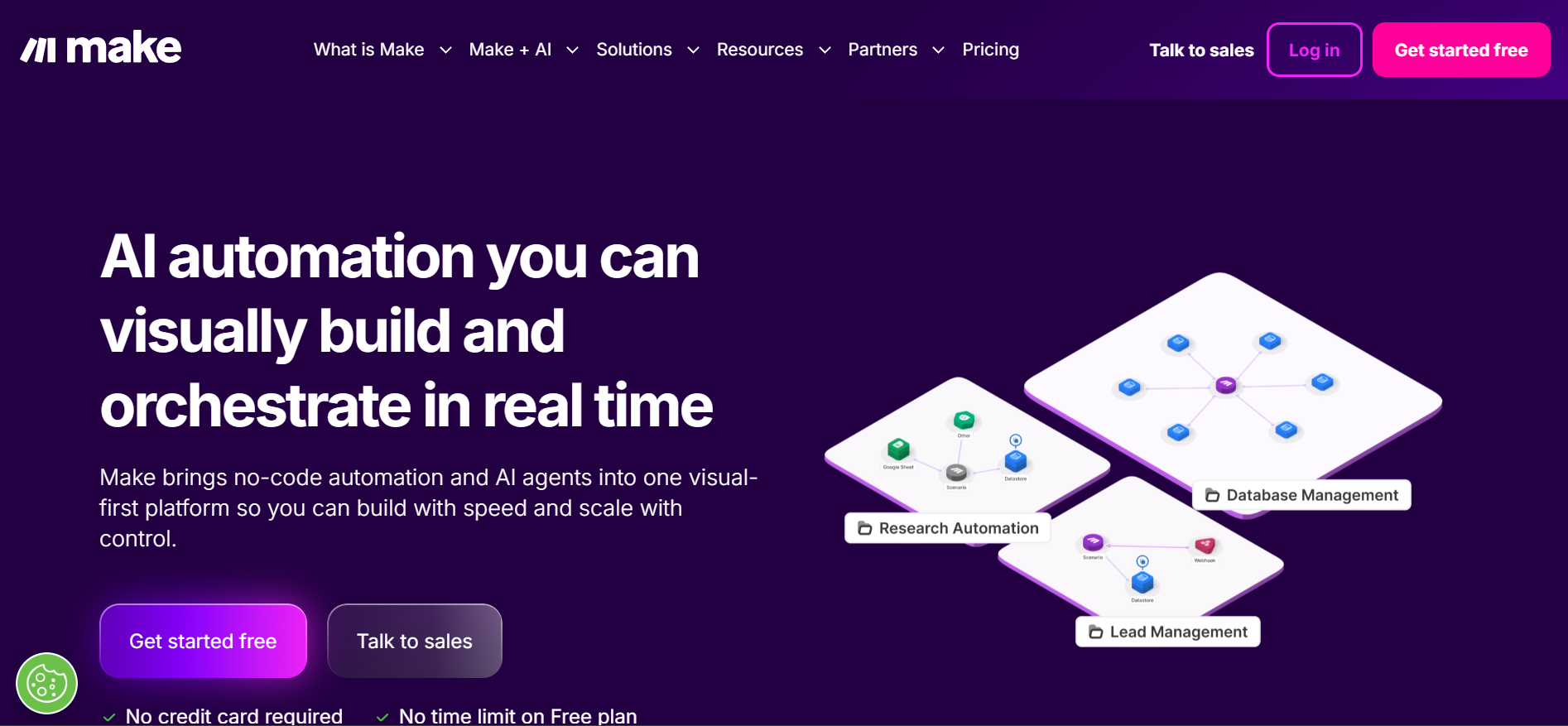
Make is a visual platform and supports designing complex workflows without altering the code in any manner. You can create drag-and-drop workflows and also logic conditions in the visual interface. It is a flexible platform that gives people visual control over the manner in which data flows through the tools.
Key features:
- Visual canvas
- 2,000+ integrations
- Conditional logic
- Iterators
- Webhooks
Pros:
- Flexible for simple and advanced workflows
- Helpful community
Cons:
- UI overwhelming
- Steep learning curve
- Lacks deep agent support
4. n8n
n8n is a tool that is mostly used by developers. It is an open-source AI that provides full control over the workflows. Further, it provides support for logic branching, custom codes, and API calls.
Key features:
- Visual flow builder
- 1,000+ integrations
- Code node
- Self-hosting
- API support
Pros:
- Full flexibility
- Self-hosting
- Strong developer community
Cons:
- Requires technical knowledge
- Not beginner-friendly
5. Relay.app
Relay.app supports the automation requirement of teams and includes approvals or manual input. The app is a combination of a collaborative task board and workflow builder, and allows you to execute automation of structured processes without losing control.
Key features:
- No-code builder
- Approvals/delays/manual input
- Native integrations
- AI-powered automation
Pros:
- Great for collaborative teams
- Simple UI
- Good for internal ops
Cons:
- Not ideal for fully autonomous agents
- Limited customisation
6. Pipedream
Pipedream is built for engineers and allows them to connect APIs, deploy automation from the code directly, and write custom logic. By using Pipedream, developers gain a complete development environment right in their browser.
Key features:
- Code-first workflow builder
- 2,700+ integrations
- Management/logging
- Prebuilt code
Pros:
- Fast for API-heavy workflows
- Developer-friendly
- Real-time
Cons:
- Steep learning curve
- Not for team-wide collaboration
7. Langchain + LangFlow
LangChain is used for building applications and is powered by language models. A visual interface is added by LangFlow. It helps to create pipelines, custom AI agents, and business workflows. Teams can use it to build agent-first products such as customer-facing bots or internal copilots.
Key features:
- Libraries for memory/reasoning/tool use
- Drag-and-drop UI
- Python customisation
Pros:
- Designed for agentic workflows
- Open-source
- Flexible
Cons:
- Requires Python knowledge
- Setup/hosting takes time
8. Akkio
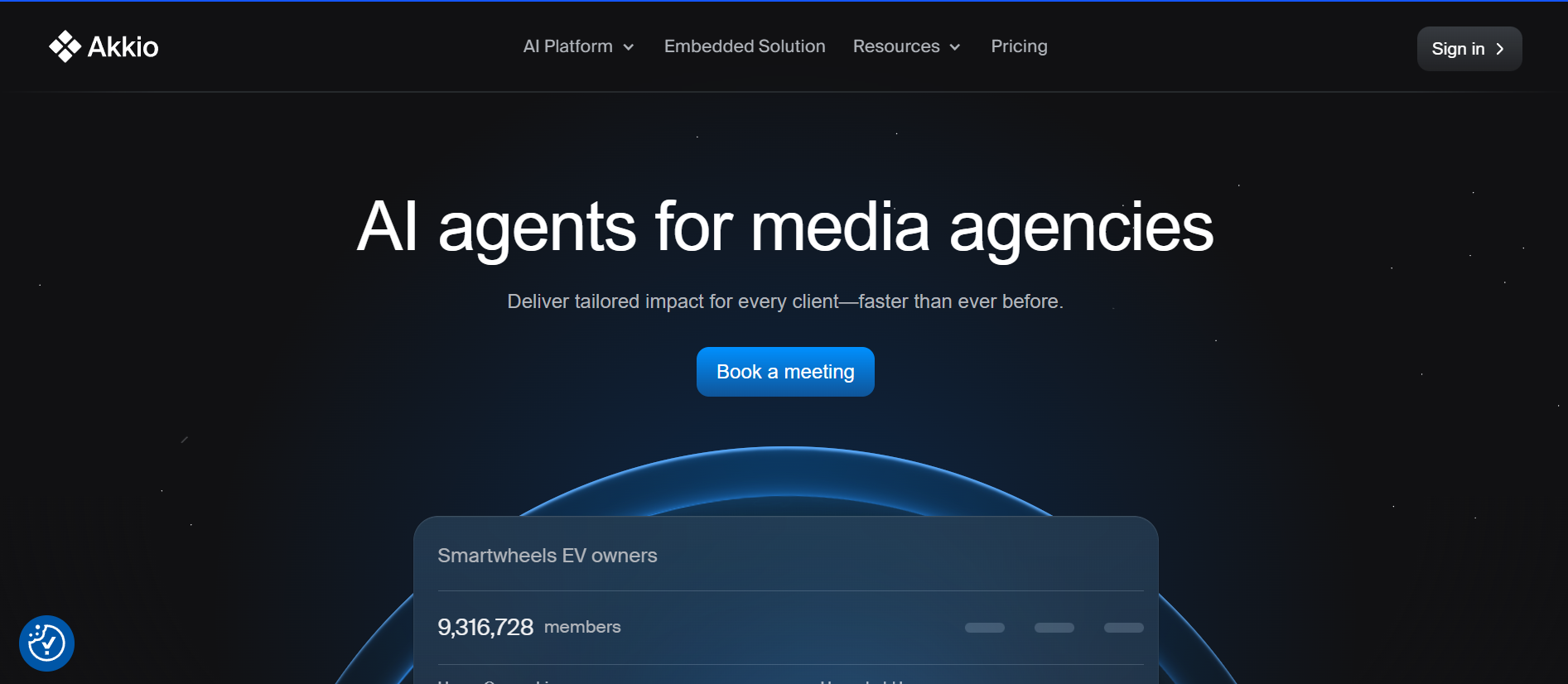
Akkio is a no-code platform that focuses on helping marketers and analysts to train and deploy AI models into workflows by avoiding the use of Python, tuning, or MLOps. It makes machine learning usable to business users who are non-technical. Akkio also helps to predict outcomes like ad performance.
Key features:
- No-code builder
- Predictive analytics
- Native integrations
- AI explainability
Pros:
- Easy UI
- Fast model training
- Integrates predictions into workflows
Cons:
- Not for process-based automation
- Limited unstructured data support
9. Smythos
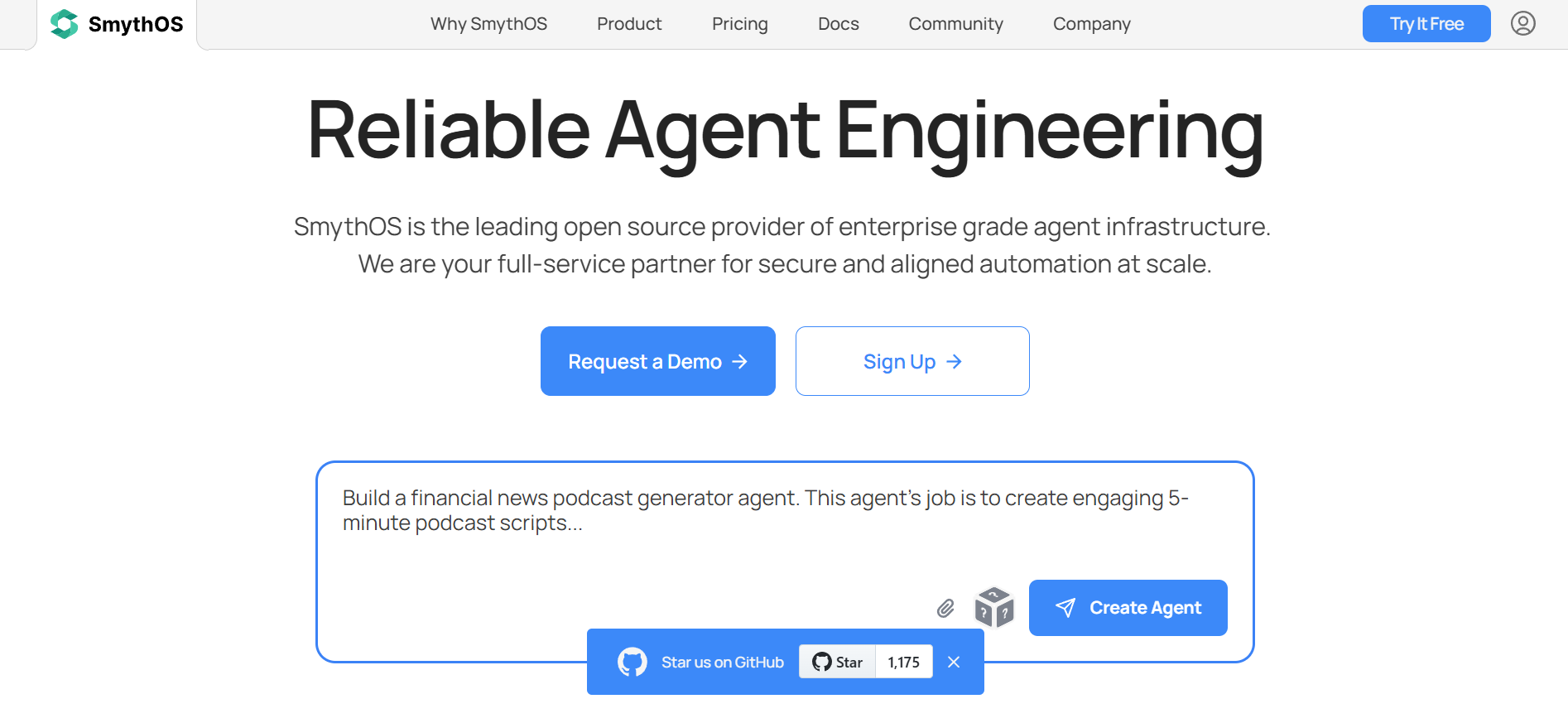
Smythos is used by teams to create AI agents that are able to reason and take actions. It uses a no-code interface and allows you to manage long-running processes, build agent chains, and even set up decision paths. Teams can use Smythos to automate cross-functional tasks that are complex in nature.
Key features:
- No-code editor
- Agent chaining
- Memory
- Prebuilt agents
- Permissioning
Pros:
- Deep support for agent chaining
- Built-in templates
- Enterprise fit
Cons:
- Expensive for high volume
- Not ideal for individuals
10. Relevance AI
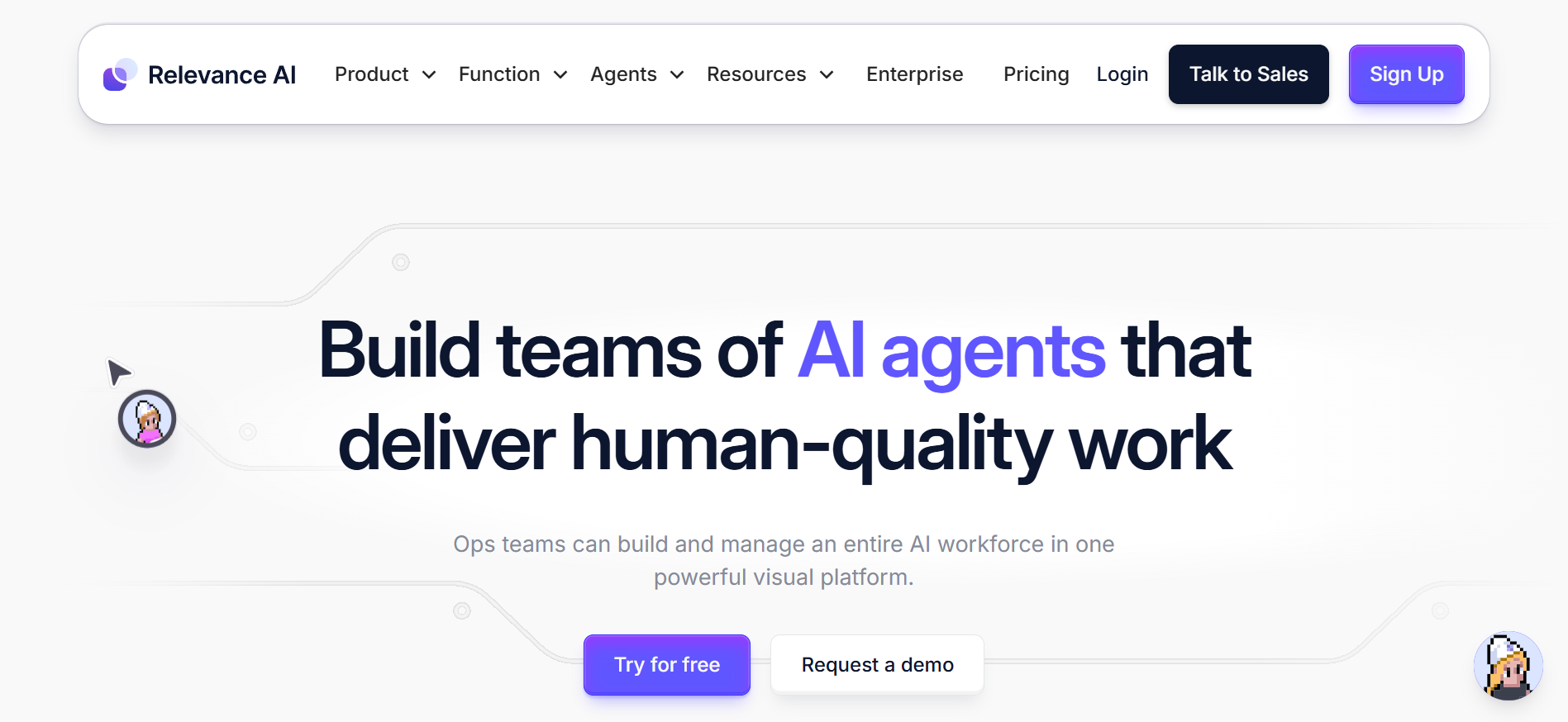
Relevance AI helps to build AI agents and manage them in a collaborative manner. It supports the needs of business users who are looking for status corkflows but do not want to maintain infrastructure. Using Relevance AI, you can build agents that are able to write emails or pull information from APIs in a visual environment that is browser-based.
Key features:
- Visual no-code builder
- Agent templates
- Chaining/memory
- Collaborative tools
Pros:
- Easy onboarding
- Collaborative
- Strong chaining support
Cons:
- Less customisable
- Documentation still growing
How to select the best workflow automation tools
Workflow automation software has the capability to completely change the way organisations work by reducing repetitive tasks. However, while selecting a workflow automation software, you must ensure that it is the right one for your organisation. Here are a few factors to consider while choosing automation software.
- Understand the organisation's needs and the various tasks that have to be handled. The functions that have a repetitive nature must be assessed, and the choice of software should be based on the nature of the tasks.
- Evaluate the features of the software and make sure that it aligns with the needs of the organisation. Both strengths and weaknesses of the software must be assessed, such as customisation options, scalability, and more.
- The interface has to be user-friendly so that it is easy for the employees to adapt. It should also become easy to scale the tool when the business expands and volumes increase.
- Organisations depend on several tools for their functioning, and it is essential to ensure that new tools are fully integrated with existing systems. This will help to ensure that the workflows are streamlined and consistency is maintained across all platforms.
- The software should be able to protect sensitive data. It should also ensure that there are robust security measures so that the regulations like HIPAA or GDPR are complied with and the organisation can avoid legal complications.
- Evaluate the overall cost required to set up and maintain the software. Also, assess the hidden fees, if any are involved. There may also be expenses for scalability and upgrades as required. So, it is essential to determine the complete cost-benefit ratio so that investments are aligned with the benefits.
- Review the user feedback so that the quality of the software is also ensured. Prioritise the tools that offer reliable customer support and also provide accessible resources to solve questions or concerns.
Conclusion
Workflow automation is a powerful way to enhance productivity in organisations. It helps to remove repetitive tasks and implement automation supported by AI-powered processes. This will help companies maximise their productivity by reducing manual effort. There are several workflow automation tools, such as Lindy, Zapier, Pipedream, and Akkio, that can help you optimise your workflows. However, before making a choice, assess the pros and cons of the software carefully so that you implement a tool that is fully aligned with your organisation's requirements.
drives valuable insights
Organize your big data operations with a free forever plan
An agentic platform revolutionizing workflow management and automation through AI-driven solutions. It enables seamless tool integration, real-time decision-making, and enhanced productivity
Here’s what we do in the meeting:
- Experience Fynd Boltic's features firsthand.
- Learn how to automate your data workflows.
- Get answers to your specific questions.