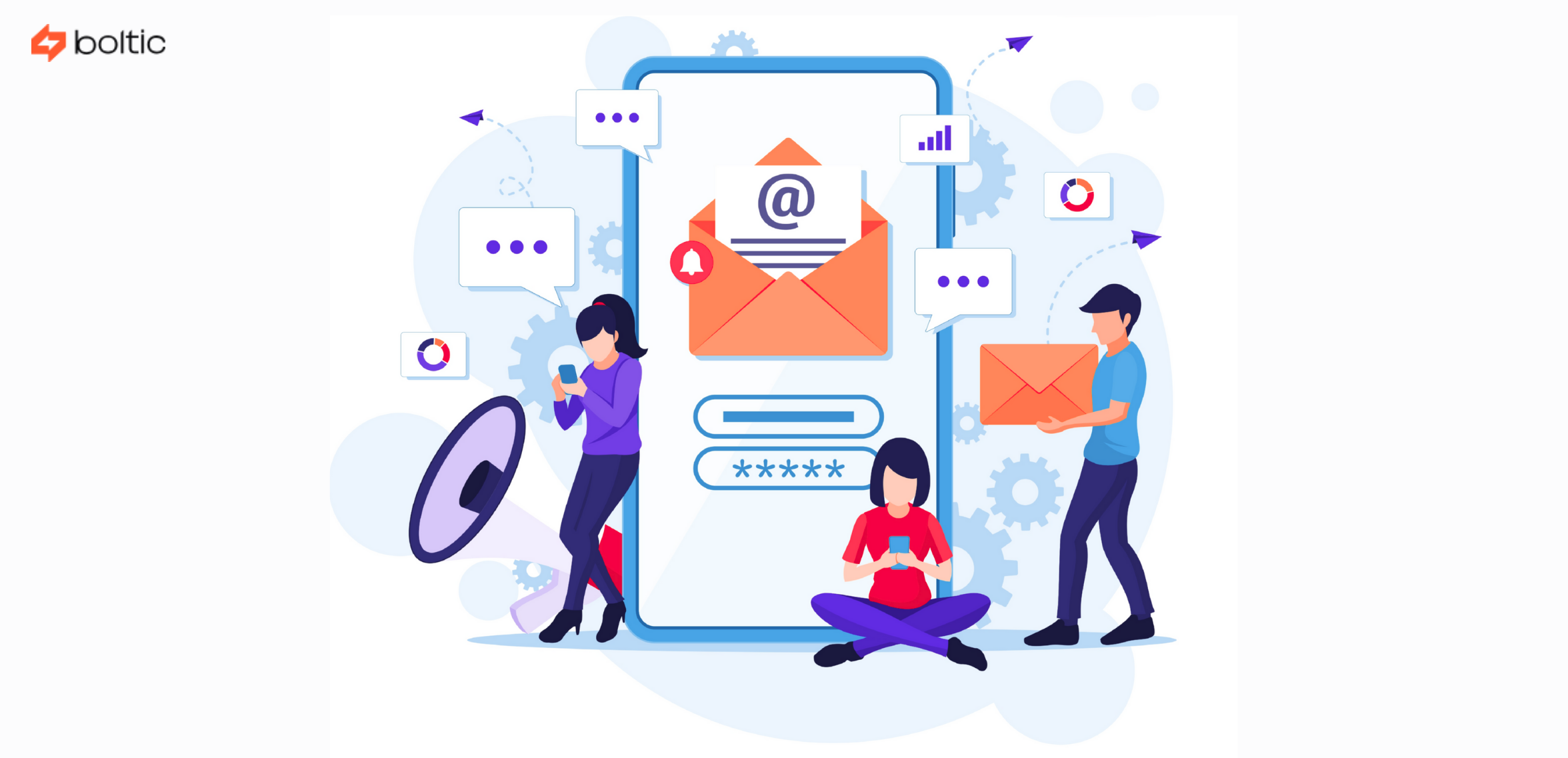


Email automation has become one of the most effective ways for businesses to communicate with their customers, in a world where people demand speed and a more personalised approach. If you are starting up and want to foster leads, or have a SaaS company and are enhancing onboarding, or an eCommerce brand and want to facilitate more repeat sales, personalised email automation can significantly improve engagement, performance, and turnover.
This article explains everything you need to know about automating emails, including the best tools, strategies, examples, and a step-by-step tutorial for automating emails with Boltic.
What Is an Email Automation Campaign?

An email automation campaign is a series of emails sent automatically (e.g., when someone signs up, makes a purchase, or becomes inactive) at a specific time (e.g., weekly digests or monthly updates). Think of it as:
- You set the rules
- You set the message
- The email is sent whenever the condition occurs.
Common triggers may include:
- A person registers - mail a welcome email.
- A product is viewed by someone - send a reminder email.
- When a person becomes a paid user, send the onboarding sequence.
The main benefit of automation is the ability to craft personalised experiences for a large audience with minimal manual effort. This scalable approach leads to stronger customer relationships, saves significant time, and enhances business efficiency.
How to Personalise Your Emails?
Automated emails become powerful only when they feel human. Personalisation helps you stand out in busy inboxes and establish customer relationships of significant value. The following are examples of personalisation of automated emails:
- Use Dynamic Fields: These drag actual user information to your emails. For example: “Hey {{name}}, we are happy to see you in our community! We saw that you were shopping in {{product_name}...” The fields are dynamic and do not require manual work to create a warm environment.
- Segment Your Audience: Not all subscribers are alike. Segment by: Behaviour (clicked, purchased, visited), Interests (preferences to products), Demographics (place, age, etc.) or stage in buyer journey. Personalisation entails sending the right message to the right people.
- Individualise According to Behaviour: Behavioural emails feel like real human correspondence because they respond to users' actions. Examples: Abandoned cart reminders, history-based suggestions, thank-you mails after purchase, nudges for re-engagement, etc.
- Personalise by Timing: Emailing at an inappropriate moment leads to reduced response rates. Automated systems track: Time zone, Peak engagement time, Last activity. Thus, your message will get delivered when the user is most likely to get it.
- Individualise the Content Tone: A greeting message to a new user should be friendly. Similarly, a letter from a repeat customer must be pleasant and rewarding, and communication to an inactive user shall be sympathetic. Personalisation is just about inserting a name, but relating to emotional accuracy and contextual relevance.
Benefits of personalised email automation

The reason why companies are moving to automated and personalised workflows is as follows:
- Saves Time and Resources: Eliminates the need to manually send separate emails. It is automated to take care of you 24/7.
- Greater Encounter (Opens + Clicks): People reply when they feel that their email is relevant. Personalised emails have higher open rates, more clicks, and better conversion rates.
- Better Customer Retention: Nudges of behaviour make customers stay at each level: Reminders, Rewards, Exclusive offers, Educational content, etc.
- Repeat Customer Experience: Automated workflows ensure that all the leads get the same warm welcome, receive onboarding on time, and each client is served proactively.
- Increased Revenue: Only abandoned-cart emails restore 10-30% of lost sales. The average order value is also boosted by automated upsells and cross-sells.
- Scalability: It does not matter whether you have 200 contacts or 200,000; automation works the same.
- Add a human touch at scale: Well-crafted automated emails must feel as personal as handwritten ones, without sacrificing efficiency.
Best Tools to Automate Emails
The selection of an appropriate email automation tool will depend on your needs, whether for simple welcome emails, sophisticated behavioural journeys, or extensive marketing processes. The following are among the most valuable tools, each having its own purpose:
1. Boltic
Boltic is not just an email tool but a complete workflow automation engine. You can integrate your CRM database, payment systems, analytics apps, and communication apps to create highly personalised multi-step email flows.
- Best for: Teams that require extreme customisation, Companies that use a combination of apps, Automated emailing based on complicated data conditions, Personalised onboarding and behavioural experiences.
- Strengths: No-code workflow builder. Relates to APIs, CRMs, and databases. Personalisation of pages rich with dynamic variables. Scalable, real-time, and flexible automation.
If you need to create more than simple "send after 3 days" sequences and a brilliant email workflow, Boltic is the most capable.
2. Mailchimp
The simplest automation tool is Mailchimp. It works well with small businesses, creators, and even those just beginning with automated emails.mails.
- Best for: Welcome emails, Basic drip campaigns, Newsletter automation.
- Strengths: User-friendly interface, ready-to-use automation templates and Built-in audience insights.
Nonetheless, it is not powerful enough for cases where you require more advanced logic or integration with other applications.
3. HubSpot
HubSpot is built on CRM, automation, marketing, and sales. This is why it is perfect for teams that prefer lead nurturing directly tied to pipeline activity.
- Best for: B2B teams, lead nurturing, CRM-driven email automation.
- Strengths: All-in-one ecosystem, individualised workflow due to CRM activity, Super analytics and segmentation.
The only downside may be the cost as your contact list grows.
4. ActiveCampaign
ActiveCampaign is reputed to possess a robust automation creator. It works best when companies require conditional logic, branching, and behaviour-based personalisation.
- Best for: Complicated automation programs, Workflows based on behaviours (clicks, purchases, visits to sites, etc.) and Multi-branch journeys.
- Strengths: Visual workflow builder, Advanced segmentation, Strong deliverability.
It is a little more challenging to study, but it is worth it for the high-level marketer.
5. Klaviyo
Klaviyo is designed for online stores. It is fully compatible with Shopify, WooCommerce, and other online stores.
- Best for: Abandoned cart reminders, Product recommendations, Post-purchase flows.
- Strengths: Intensive ecommerce data knowledge, Revenue-based reporting and Shopper-friendly templates. It is best suited to retail and D2C brands seeking to increase repeat purchasing.
6. Brevo (formerly Sendinblue)
Brevo is also cheap and easy to use, as it provides transactional and marketing emails.
- Best for: Small businesses on a budget, SMS + email together, and Simple automations.
- Strengths: Low pricing SMS + email workflows, Clean interface.
Brevo is ideal for companies that want nice features at reasonable prices.
Common types of email automation
There are numerous types of automated emails that have different functions in the customer experience. The most popular ones and their importance are as follows:
- Welcome Emails: The moment someone signs up, your welcome email sets the tone. A good welcome email should: Thank them for joining, tell them what to expect and provide a follow-up (learn more about the dashboard, install an app, etc.). It is the most open-rate email message you will ever write, so personalisation goes a long way to the point here.
- Onboarding Sequences: They are informative messages that are sent in the form of emails to new users throughout a period of days or weeks. Example steps: Day 1: Getting started, Day 3: How to use key features, Day 5: Common mistakes to avoid, Day 7: Invite for demo/webinar. Automation of onboarding has a significant decreasing effect on churn since you are actively assisting the user to succeed.
- Lead Nurturing Emails: These give confidence to those customers who have been interested but are not ready to purchase. They often include: Educational content, Case studies, Product comparisons, and Gentle CTAs. The objective is to move the user from curiosity to confidence to finally conversion.
- Forgotten Cart or Reminder mails: These are very vital in e-commerce. In case a person puts a product in the cart and fails to complete the checkout, the sale can be revived with automated reminders. Many brands add: Social evidence (200+ purchased this last week), Limited-time offers, and Free shipping incentives.
- Transactional Emails: These are the utility emails that people are supposed to get immediately: Order confirmations, Payment receipts, Password resets, Account alerts. They require high reliability and high deliverability.
- Re-Engagement Emails: These emails make an effort to get the users back when they are silent or inactive. Good re-engagement emails accept idleness with grace, offer help or updates and give an incentive. They also ask customers whether they would like to remain subscribers. This maintains your list and improves overall interest.
- Post-Purchase Follow-Ups: These create loyalty following a purchase: Thank-you notes, Product care instructions, Recommendations, Requests for reviews. Follow-ups demonstrate to the customers that you are concerned with them.
- Event-Based Automations: At the occurrence of certain customer milestones: Birthday discounts, Anniversary greeting, Renewal reminders, Webinar reminders. These are personal and enhance retention.
- Support or Helpdesk Automations: Activated when a person makes a ticket or a request. These provide: Instant acknowledgement, Status updates, Escalation steps, and Resolution messages. Automation decreases the response time and enhances customer satisfaction.
Best practices to personalise automated campaigns
Personalisation is the art of composing emails in a manner that makes them relevant, considerate, and punctual. Here are innovative practices:
Personalise Beyond Names, Go deeper:
- Behaviour (what they chose to click, view, buy)
- Stage (newcomer, regular client, uninterested user)
- Interests (subjects, merchandise, divisions, etc.)
The more relevant the message, the more interest it generates.
Remind Human and Save Subject Lines: Rather than pushy salesy, use easy conversational lines:
- "We saved this for you."
- “A few tips for your first week.”
- “Ready to carry on with what you had started?”
Brief, straightforward subject lines are better than complex ones.
Write Like a Real Person: Use a friendly, natural tone in email writing. Automated does not imply robotic. Visualise a personal reading of your email, not by thousands of users.
Align Timing With Behaviour: Don't send generic schedules. Send emails triggered by: When they opened last, Local time zone, Recent activity or Browsing history. This renders your email to seem very timely and not arbitrary.
Add Value Every Time: Prior to dispatching an automated email, enquire: What does the reader learn on this? Value can be: Tips, Discounts, Reminders, Support or Education Resources. Individuals do not leave when your email comes to their aid.
Clean Your List Regularly: You can remove idle users to enhance deliverability, open rates and sender reputation. This reduces spam issues.
Continuously A/B Test Experiment with: Different subject lines, CTA placement, Email length, Images vs. no images. Minor adjustments can help increase conversions.
Email automation examples
The following are more specific examples in order to have an idea of how to use it in practice:
- SaaS User Onboarding Journey
Purpose: Introduce new customers to the product and make them perceive value soon.
Flow example:
Email 1: Welcome + quick start video.
Email 2: Major feature in GIF demo.
Email 3: Post a success story of another user.
Email 4: Questionnaire to fill in onboarding.
Email 5: Web and phone support invitation.
This creates momentum and minimises a drop-off.
- Abandoned Cart Flow in E-commerce
Aim: To regain lost sales within the shortest time possible.
Flow example:
Email 1: (1-2 hours later): Amiable notice.
Email 2: (24 hours later): "I am still pondering about this? Note
Email 3: (48-72 hours later): social evidence and low-level incentive.
A series of persuasions is more effective than just a reminder.
- Lead Magnet Follow-Up
Used when one downloads a checklist or a guide.
Flow example:
Email 1: Deliver the resource
Email 2: Send 2-3 related articles
Email 3: Demonstrate the solution of a similar pain point with your product.
Email 4: Invite them to a discussion or schedule a demo.
This cultivates recognition of interest.
- Win-Back Campaign
These can be used for users who have gone silent for 30-90 days.
Flow example:
Email 1: Light-hearted "We have noticed that you are absent" message.
Email 2: Provide a useful update or a new feature.
Email 3: Incentive (promotion, bonus credit, one month off, free)
Email 4: Final call -"We still want to hear?
This reinvigorates users during the cleaning of your list.
- Automation of Customer Feedback
Activated when a purchase is made, a demo is attended, or a feature is used.
Flow example:
Email 1: How was your experience?
Email 2: Ask to be reviewed or rated.
Email 3: Feedback reward offer.
These assist in gathering social evidence efficiently.
Email automation vs. Email marketing automation
Although email automation and email marketing automation are often used interchangeably, they are not synonymous. Email automation is the act of sending timely, rule-based messages triggered by user activity or business operations, such as a welcome email when someone signs up, a reminder when an individual abandons a cart, or a notification when a business system is updated. It is primarily a question of operational effectiveness and of transmitting the appropriate message at the right time.
Automation in email marketing is more long-term and strategic. It is concerned with nurturing leads, audience fragmentation, and complete campaign management that guides users through the customer journey. Consider drip programs, recommendations, or win-back campaigns.
Email automation aims to understand the what and when, whereas email marketing automation is the why and how. Businesses that wind up with both practices should implement simple automation to address repetitiveness and marketing automation to scale communication without compromising personalisation.
How to automate emails with Boltic?
Boltic is more than just another email tool; it lets you create your own workflow using its user-friendly language, linking your data, applications, triggers, conditions, and email providers into a single no-code system. This is how automation of emails works in Boltic:
Step 1: Select the Trigger Event: You can trigger based on:
- New lead to your CRM (HubSpot, Salesforce, or Pipedrive)
- Submissions of forms (Typeform, Google Forms)
- New payment (Stripe, Razorpay)
- No 7-day user inactivity (no login), Database (Airtable, Notion, PostgreSQL) updates
- Webhook events
- Actions on websites monitored by the API
It is with this flexibility that Boltic is best suited to customised automation - practically any action can be triggered.
Step 2: Link Your Email Company: Boltic can be integrated with primary channels:
- Gmail
- Outlook
- SMTP
- Mailgun
- SendGrid
- HubSpot
- Any custom email API.
This means you are not tied to any specific platform, but can do what works best for your business.
Step 3: Construct Your Email Template: You can create:
- Simple text emails
- Ready-Made HTML templates
- Active emails that have variables such as name, company and product
- Conditional blocks in emails based on user behaviour.
This makes each message personal and relevant.
Step 4: insert Logic, Branches, and Delays: It is here that Boltic gains strength. You can add:
- Conditional Logic (If/Else): If the user has not yet been onboarded, send a tutorial; Else, send advanced tips.
- Branching Based on Behaviour: Those who click do not receive the same email as those who do not.
- Delays (Timing Control): Send after 1 hour, 1 day, or based on user activity.
- API Calls + Data Enrichment: Use CRM, analytics, or product database to pull data to develop highly relevant emails.
- Multi-Step Workflows: Conceptualise end-user experiences such as onboarding, re-engagement, lifecycle emails, etc.
Boltic fundamentally allows you to assemble your own mini automation brain with no code.
Step 5: Test, Activate, and Monitor: Prior to launching, Boltic allows you to:
- Test with sample data
- Preview the email
- Validate triggers
- Check API responses
- Run dry tests.
Once activated, the workflow runs 24/7. You can monitor logs, skipped steps, or track failures. Adjusting conditions anytime with Boltic provides complete control and visibility, a key to trustworthy automation.
How to choose email automation tools?
Not all tools apply to all businesses. The one that fits your goals, your team's skill level, and the complexity of your work is the best one. The most important points to be considered when selecting an automation tool include the following:
1. What kind of emails do you want to automate?
Ask yourself:
- Should I have a basic welcome + newsletter? - Recommended tools include Mailchimp and Brevo
- Am I required to have behaviour-based, multi-step journeys? - Recommended tools include ActiveCampaign and Klaviyo
- Do I require detailed workflows that incorporate several applications? - Recommended tool is Boltic
The appropriate tool is determined by your use case.
2. The complexity of your workflows?
- Simple flows: Welcome mail, birthday message - any novice tool will suffice.
- Medium flows: Recovery of the cart, onboarding to mid-level software such as Klaviyo or HubSpot.
- Advanced flows: Conditional logic/ API data/ CRM/ multi-step logic - Boltic.
3. Integration Needs:
Whether the tool is capable of being integrated with:
- Your CRM
- Your e-commerce platform
- Analytics dashboards
- Payment systems
- Custom APIs
- Databases (Airtable, Notion, SQL)
Boltic performs well in this regard, as it can integrate with practically anything via APIs, webhooks, or even direct connections.
4. Automation Builders Experience:
Ask yourself -
- Do I need a drag-and-drop builder?
- Would I prefer a visual workflow chart?
- Do I need conditions, branches, loops, or delays?
Some tools keep it simple. Others like Boltic, ActiveCampaign, and HubSpot are targeted at high-level users.
5. Deliverability Performance:
In the case of transactional emails, reliability is more important than other factors. Is the tool able to offer:
- Domain authentication (SPF/DKIM/DMARC)
- Strong sender reputation
- High delivery rates
The best in this case are SendGrid, Mailgun, and SMTP systems.
6. Pricing and Scalability:
Some tools charge based on:
- Number of contacts
- Number of emails sent
- Number of workflows
- Features unlocked
Start small, but select a tool that can keep up with your growth.
7. Analytics + Reporting:
Good automation tools offer:
- Open/click rates
- Behavioral analysis
- Attribution reports
- Conversion data
- ROI insights
Choose tools with robust analytics to enable deep performance tracking.
drives valuable insights
Organize your big data operations with a free forever plan
An agentic platform revolutionizing workflow management and automation through AI-driven solutions. It enables seamless tool integration, real-time decision-making, and enhanced productivity
Here’s what we do in the meeting:
- Experience Fynd Boltic's features firsthand.
- Learn how to automate your data workflows.
- Get answers to your specific questions.