

What do habits, tools, and workflows all have in common? They grow over time. The same is true for software.
A few years ago, things were different, methods were different. Most teams relied on a handful of tools. Today, that number has quietly exploded. Marketing runs on one platform. Sales on another. Finance has its own system. Customer data lives somewhere else entirely. This is how modern work looks.
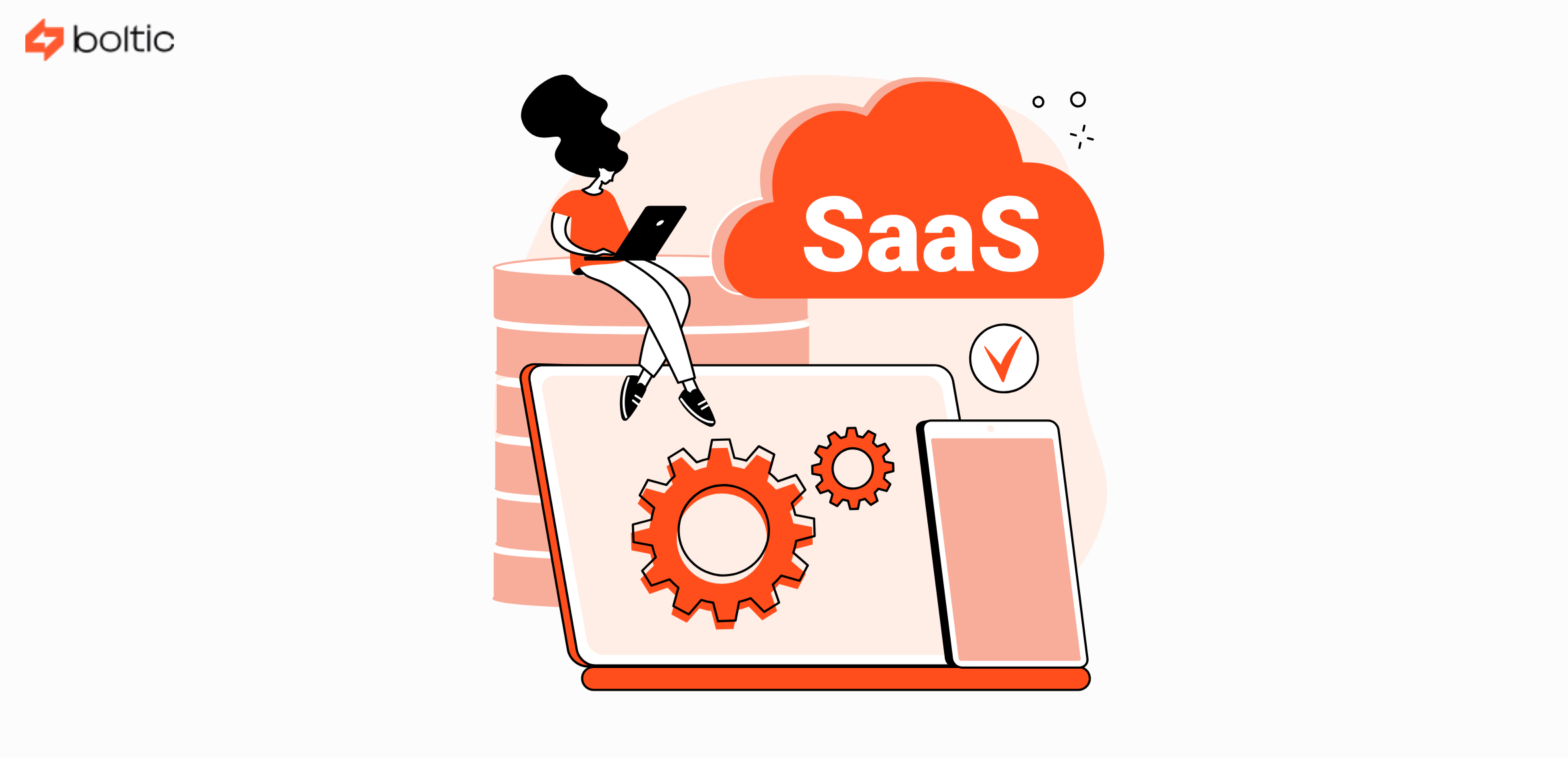
Organizations now use multiple SaaS applications. That number keeps growing every year. And while each tool may solve a specific problem, together they introduce a new challenge. That challenge is disconnected systems! This is where SaaS integrations come up, acting as saviours. They turn scattered tools into connected workflows. They reduce manual effort and help teams trust their data again. In this guide, we will break down what SaaS integrations really are, why they matter, how they work, and what teams should consider when building or managing them.
What Is a SaaS Integration?
Let us start with understanding the term SaaS integration first. At its core, a SaaS integration is about connection. In technical terms, it is described as the process of linking two or more SaaS applications so they can share data and actions automatically. Instead of people copying information from one system to another, the systems talk to each other directly.
Most SaaS to SaaS integrations rely on APIs. Now, what is an API? Let us get you familiar with that, too. An API allows one application to request data or trigger actions in another application in a controlled and secure way.
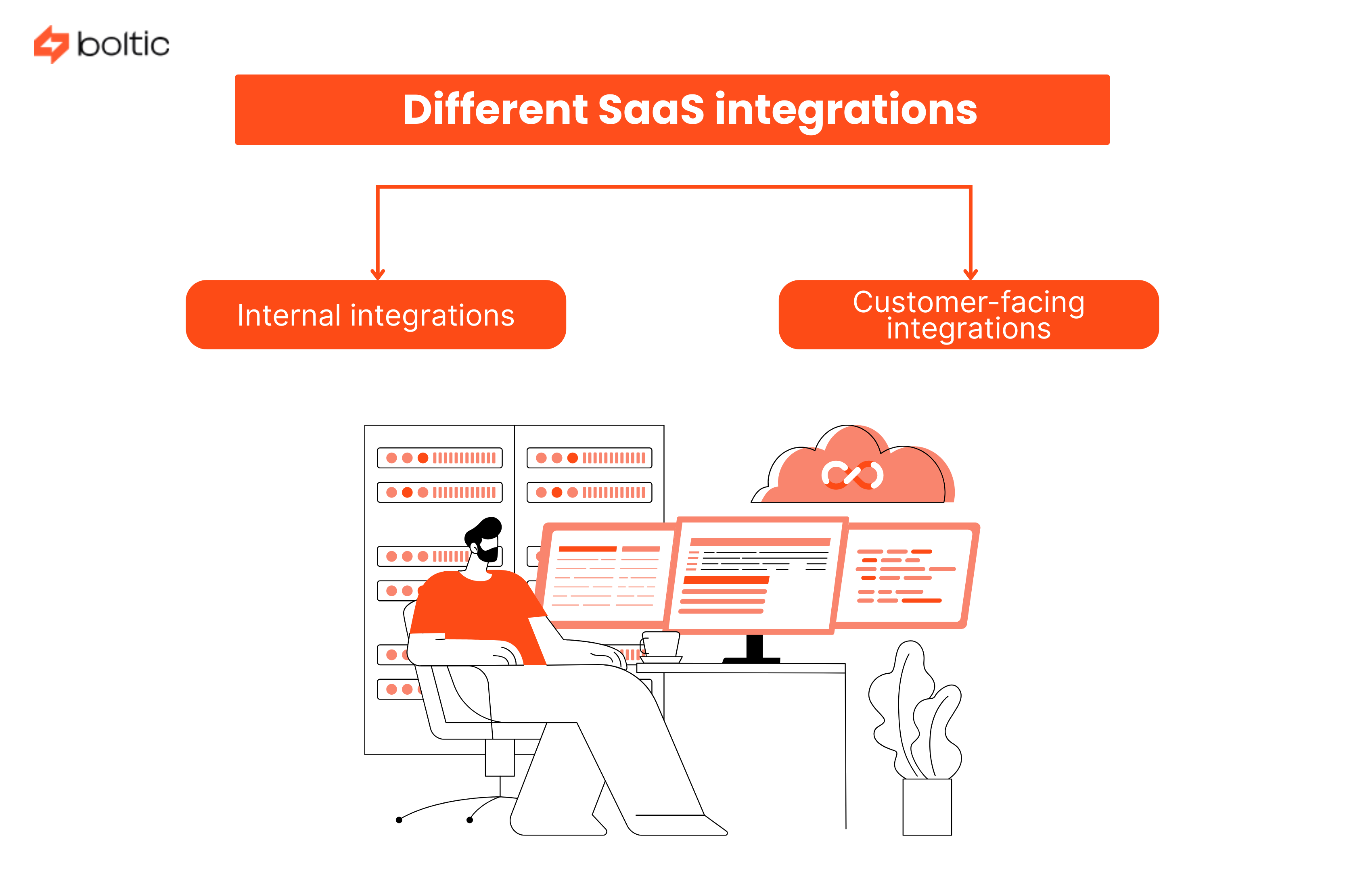
SaaS integrations can serve two broad purposes.
- Internal integrations
- Customer-facing integrations
Both are important. Both come with different requirements. Now, let us expand on these two terms as well. Just scroll a little!
1. Internal SaaS Integrations
Internal integrations connect the tools your teams use every day. They help departments stay aligned without manual effort.
Instead of exporting CSV files or copying data between systems, integrated tools share information automatically.
Common internal examples include:
- Syncing leads between marketing tools and CRM systems
- Sending closed deals from CRM to billing or finance tools
- Updating employee records between HR and payroll systems
The goal here is efficiency and accuracy. The ideal scenario should be data moving automatically instead of teams chasing updates.
2. Customer-Facing SaaS Integrations
Customer-facing integrations are built into your product. They allow your customers to connect your SaaS product with the tools they already use.
Examples include:
- A CRM integrating with email platforms
- A finance tool connecting to accounting software
- A support platform syncing with ticketing systems
These integrations often become a key selling point. They increase product value. They reduce churn and help companies move upmarket.
Another question that requires clarity is how these two integrations differ from each other.
Let us find out the answer to it:
Why SaaS Integrations Matter More Than Ever
SaaS integrations are no longer a nice-to-have. They are a basic expectation. Some of the major advantages they offer include:
1. Fewer Manual Errors
Manual data entry is risky. Copying and pasting information between tools leads to mistakes. Even small errors can have large downstream effects. Integrations remove that risk by letting systems update each other automatically.
2. Better Employee Experience
Nobody enjoys repetitive, boring admin work. When tools are integrated, employees spend less time updating records and more time on meaningful work. This improves productivity and job satisfaction.
3. Lower SaaS Spend
Disconnected tools often lead to duplicate purchases. When data flows properly, teams can share insights across platforms instead of buying new tools just to access information.
4. Stronger Customer Retention
For SaaS companies, integrations increase stickiness. The more connected your product becomes to a customer’s workflow, the harder it is to replace. Integrations create long-term value.
Common Examples of SaaS Integrations in Action
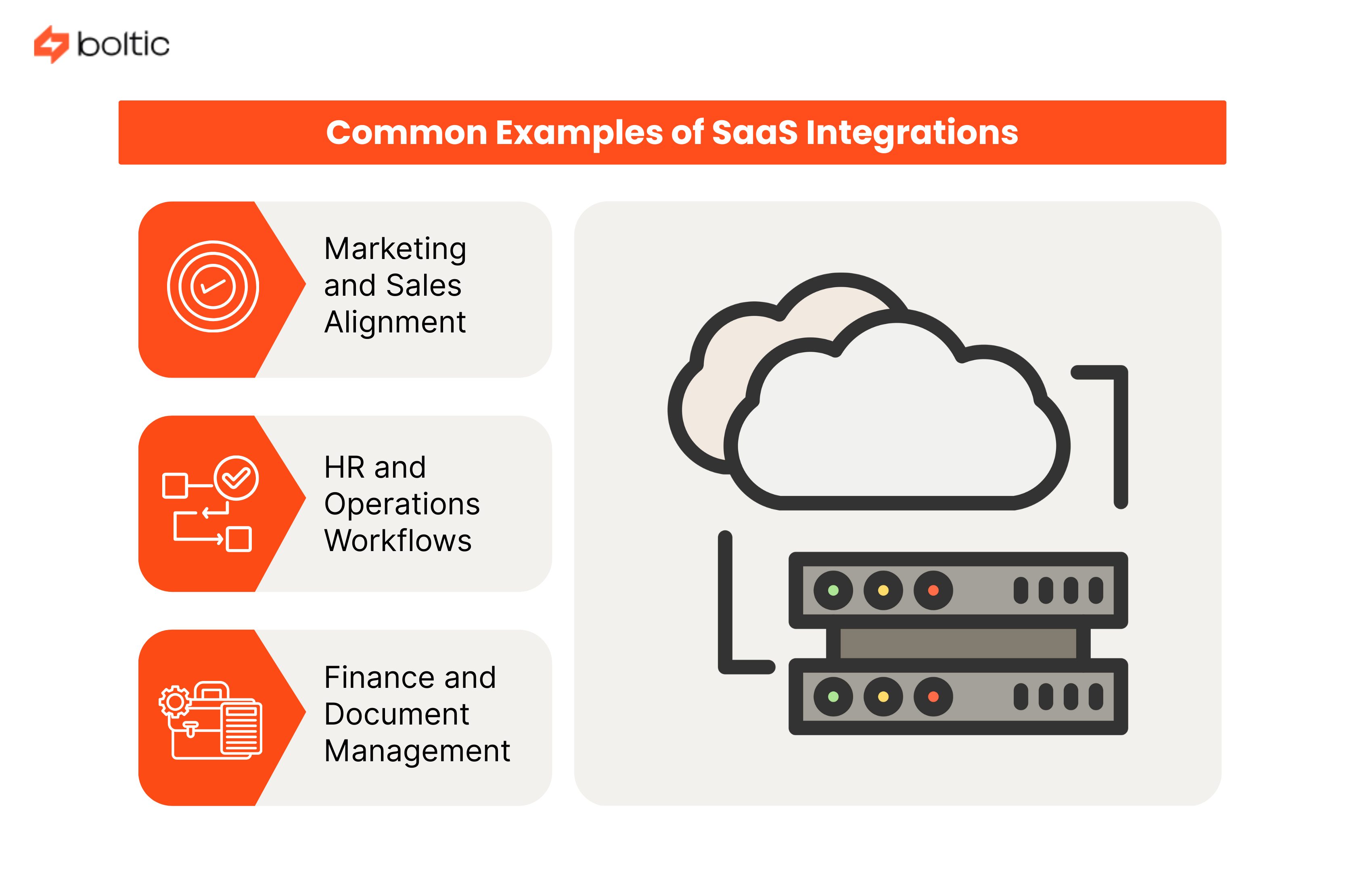
To help you understand the concept of SaaS software integrations better, here are a few examples explaining where it works best:
1. Marketing and Sales Alignment
Marketing captures leads. Sales converts them. A common integration sync leads data from marketing platforms to CRM systems. This ensures sales teams act on the most up-to-date information.
2. HR and Operations Workflows
When a new employee joins, multiple systems need updates. An integration can automatically create records across HR, payroll, IT access, and internal tools, making things simple.
3. Finance and Document Management
Invoices, contracts, and agreements should not live in isolation. Integrations between ERP systems and document storage tools ensure records stay organized and accessible.
Types of SaaS Integrations
SaaS integrations come in different forms depending on the data flow, user interaction, and technical requirements. Understanding these helps teams choose the right approach.
1. API-Based Integrations
This one is the most common approach. In this type of integration, applications communicate directly using APIs. These integrations are reliable, scalable, and secure.
2. UI-Based Integrations
This type of integration is used when APIs are limited or unavailable. They rely on actions performed through the user interface. These systems are more fragile and harder to maintain.
3. Event-Based Integrations
Event-based integrations are triggered by specific actions. For example, when a deal closes, an invoice is created automatically.
Challenges of SaaS Integrations
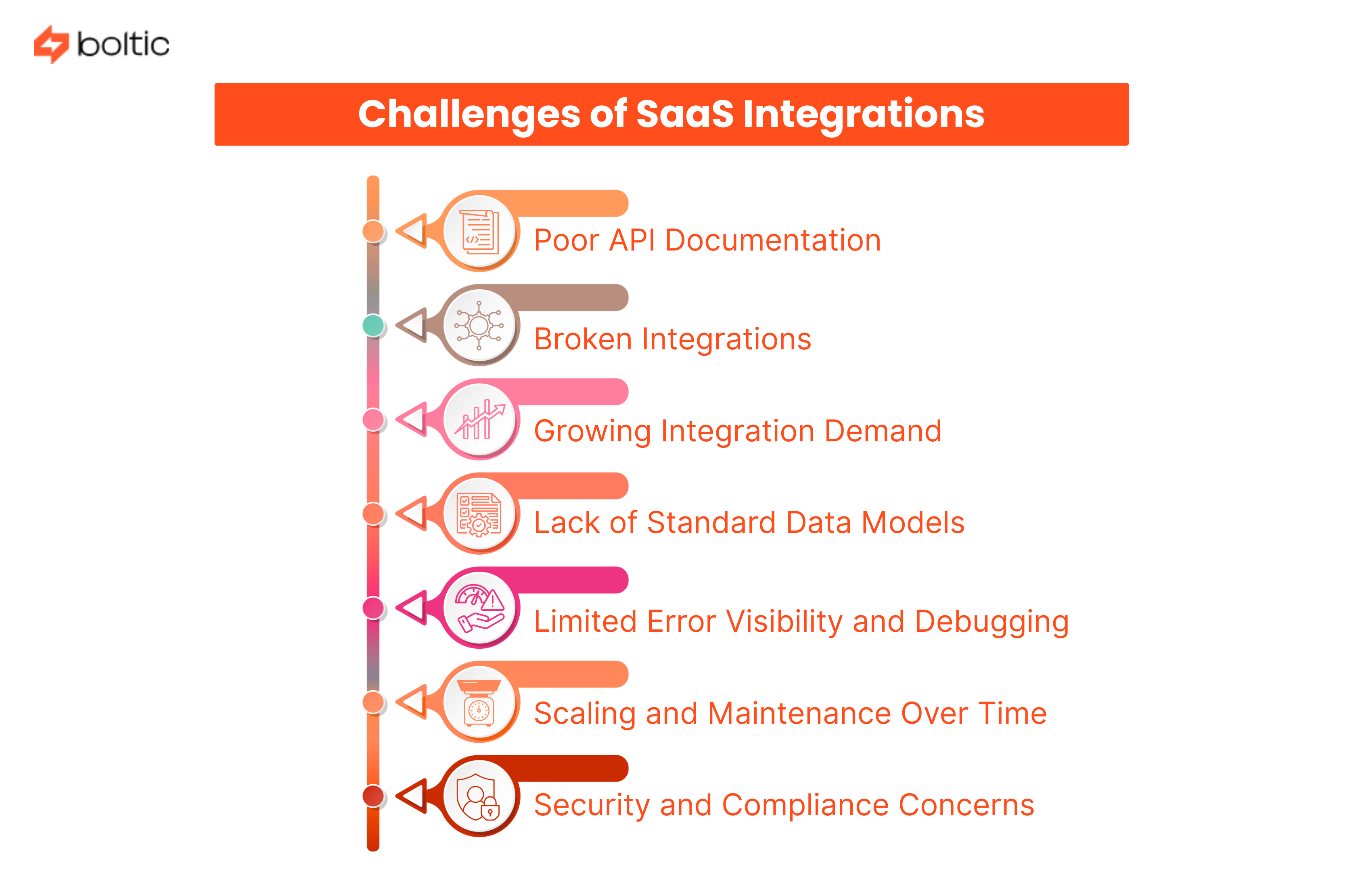
Like every other thing in this world, SaaS integrations have both pros and cons too. SaaS integrations are powerful, but they are not effortless. There are some challenges associated with it. Challenges like:
1. Poor API Documentation
Not every SaaS API is built with developers in mind. Some are rushed, outdated, or written assuming prior knowledge. This creates friction right from the start.
- Missing field explanations make it hard to map data correctly.
- Example requests and responses are often incomplete or outdated.
- Error codes are vague, offering little guidance on what went wrong.
- Version changes are not clearly communicated.
As a result, development takes longer, testing becomes messy, and teams spend more time guessing than building.
2. Broken Integrations
Integrations rarely fail all at once. They break quietly, in small but damaging ways.
- APIs change without notice or with limited backward compatibility.
- Fields get renamed, deprecated, or removed.
- Authentication tokens expire, or refresh logic fails.
- Rate limits are hit during peak usage.
Without proper monitoring and alerts, these failures go unnoticed until reports are wrong, workflows stall, or customers complain.
3. Growing Integration Demand
The number of SaaS tools used by companies keeps rising. So does the demand for integrations.
- Every new tool adds at least one new integration request.
- Customers expect integrations as a standard feature, not a bonus.
- Internal teams rely on integrations to avoid manual work.
Product and engineering teams are forced to choose between building integrations and improving core product features, creating constant trade-offs.
4. Lack of Standard Data Models
Even when APIs are well-built, data rarely looks the same across tools. Each application defines its own structure.
- One CRM’s “contact” does not match another’s.
- Date formats, currencies, and status values differ.
- Custom fields vary widely between customers.
This makes mapping complex and increases the risk of data inconsistency across systems.
5. Limited Error Visibility and Debugging
When something goes wrong, finding the root cause is often difficult.
- Logs are scattered across systems.
- Errors surface without a clear context.
- Teams must manually trace failures across multiple tools.
This slows down resolution and increases downtime for both internal users and customers.
6. Scaling and Maintenance Over Time
An integration that works today may not work the same way six months later.
- APIs evolve and introduce breaking changes.
- Customer usage grows, increasing data volume.
- Edge cases appear as more workflows rely on the integration.
What started as a simple connection becomes a long-term maintenance responsibility.
7. Security and Compliance Concerns
Integrations often move sensitive data between systems. That adds risk.
- Improper token handling can expose credentials.
- Over-permissioned access increases security surface area.
- Regulatory requirements vary by region and industry.
Without strong governance, integrations can become weak points in an otherwise secure system.
Best Practices for SaaS Integrations
1. Prioritize by Business Impact
Not all integrations are equal. Focus first on those that save time, reduce risk, or improve customer experience.
2. Avoid Knowledge Silos
Do not rely on one engineer to manage an integration. Documentation and shared ownership are critical.
3. Plan for Change
Integrations evolve. APIs update. Use cases expand. Regular reviews help keep systems healthy.
How to Integrate SaaS Applications
One can integrate SaaS applications via:
1. Native Integrations
- Built and maintained in-house.
- Best for simple needs, but expensive over time.
2. iPaaS Solutions
- Provide pre-built connectors and monitoring tools.
- Reduce development time but still require technical expertise.
3. Embedded Integration Platforms
- Used for customer-facing integrations.
- Offer flexibility but require careful planning to scale.
4. Unified APIs
- Allow access to multiple platforms through a single interface.
- This approach reduces development effort and improves consistency.
Where Data Reliability Comes In
Integrations move data. But movement alone is not enough.
Teams need to know:
- Is data arriving on time?
- Has the structure changed?
- Are the values accurate?
This is where observability becomes critical. For teams managing dozens or hundreds of integrations, tools like Boltic help monitor data quality, detect issues early, and maintain trust across systems.
Building a Long-Term SaaS Integration Strategy
A strong integration strategy includes:
- Clear ownership
- Defined SLAs
- Monitoring and alerting
- Regular audits
Integrations should not be treated as set-and-forget features. They are living systems and should be maintained.
Conclusion
SaaS integrations are the backbone of modern digital operations. They connect tools, teams, and data. They reduce manual work and prevent costly mistakes. They turn fragmented systems into cohesive workflows. But integrations also introduce complexity. Without visibility and reliability, even the best-connected systems can break silently.
As SaaS ecosystems grow, teams need smarter ways to manage, monitor, and trust their data. Boltic is one such SaaS integration platform that helps teams catch issues early and understand what’s really happening across their integrations. If you want reliable data and fewer firefights, it’s time to bring visibility to your integration layer!
drives valuable insights
Organize your big data operations with a free forever plan
An agentic platform revolutionizing workflow management and automation through AI-driven solutions. It enables seamless tool integration, real-time decision-making, and enhanced productivity
Here’s what we do in the meeting:
- Experience Fynd Boltic's features firsthand.
- Learn how to automate your data workflows.
- Get answers to your specific questions.