


It is no secret that the closer we move into the 2030s, the more speedily Instagram grows. The numbers are unfathomable for the human mind. Digital home to the later millennials, Generation Z, and every generation thereafter, it comes as no surprise that the site has two billion active users per month.
With such an exponentially growing consumer base, brands/creators/marketers grapple to balance connection with engagement. The advent of the AI revolution, however, eased their distress. Automation of routine tasks has, since then, become a common practice among marketers and creators all the same.
What is Instagram Automation?
Before we get to understanding how posts are automated, let’s cover the fundamentals. Instagram automation refers to the use of tools and platforms that enable marketers to automate marketing tasks. Scheduling Instagram posts, replying to comments by followers, and converting blogs into carousel posts all fall within its ambit. By automating Instagram-related tasks, marketing teams are able to slash the manual effort required to execute routine tasks.
For big organizations or agencies that handle multiple social media accounts, a lot of time used to go into the manual execution of Instagram tasks. In the development of automation software, the scope for marketing teams to reorient their focus on more important activities has become possible. Moreover, automating your Instagram activities removes room for error and makes execution more efficient.
Why You Need To Automate Instagram Posts
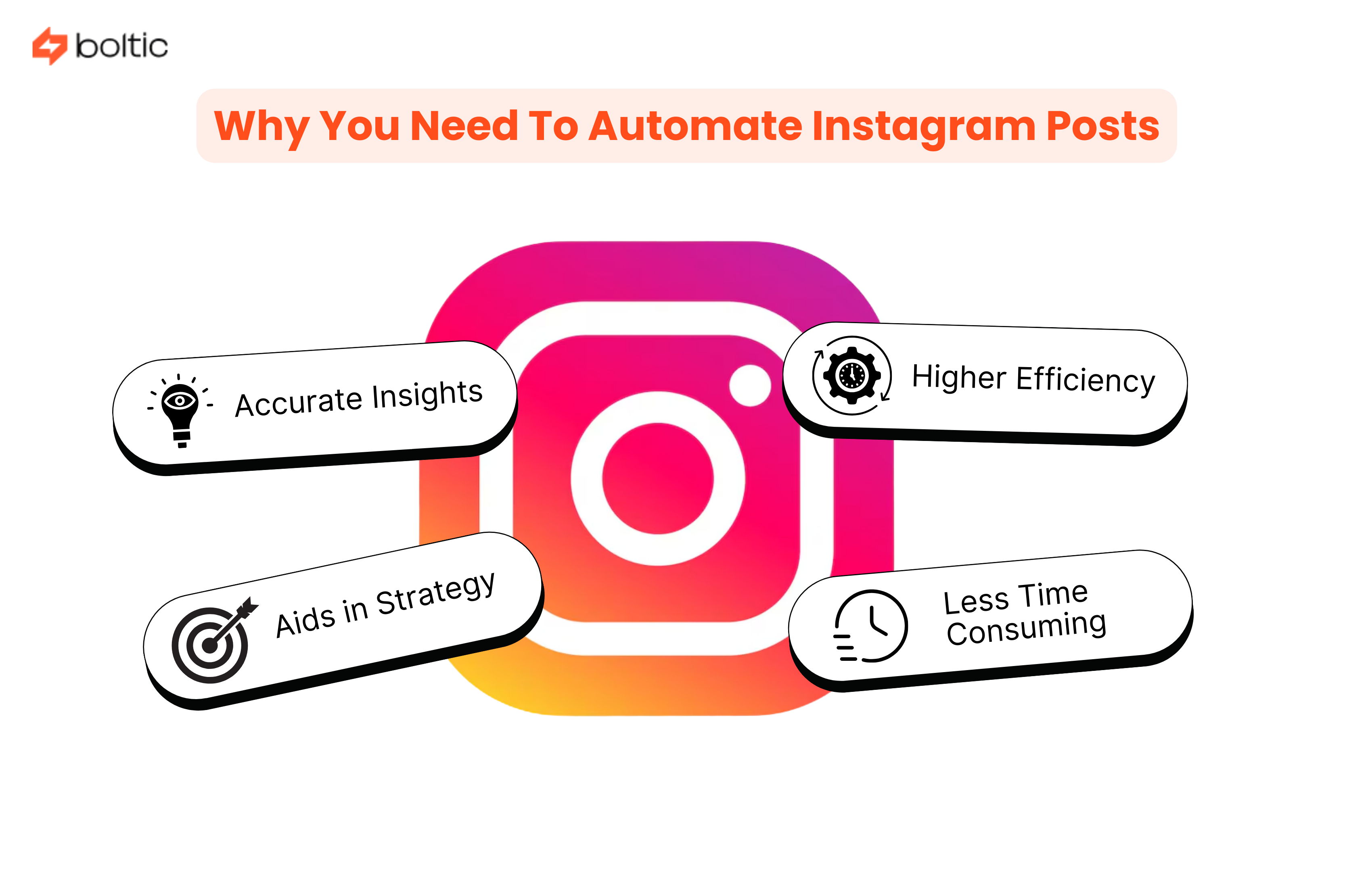
All kinds of marketing agencies and businesses are increasingly resorting to automating their routine social media tasks. That can be attributed to the numerous benefits that automating Instagram posts has for your business. It has become a need in our competitive global economy. Here are reasons why:
Higher Efficiency
When a third-party application/software can post across multiple accounts on behalf of your marketing team, you don’t have to worry about timelines. You can depend on automation to deliver the right message to the right audience at the right time. It helps your business engage with the audience consistently. This works in your favor over time and helps the Instagram page grow and gain more followers. Additionally, the margin for error is reduced when a machine follows workflow directions set up by you. Unlike humans, who might make mistakes during posting, automation improves in efficiency over time.
Less Time Consuming
When your team is when your team is not overwhelmed by repetitive manual posting tasks, they can refine strategies and invest in higher-return activities. Automating Instagram posts allows you to transfer bulk posting or content creation to the automation tool. It frees marketers from the exhaustion as well as the burden of repeating posting chores every day. Moreover, when your posts go up on the platform efficiently, you can spend your hours engaging with your audience in more meaningful ways.
Accurate Insights
Automation tools best suited for posting on Instagram also come with the added perk of analytics. They track engagement and audience behavioral patterns to provide you with insights for better content planning. You also gain algorithmic insights like which time is most suitable for posting and which content is performing best at the moment. In comparison, manual reporting and analytics are not as effective, given that they can only track limited patterns and changes.
Aids in Strategy
Automating Instagram posts enables your team to reorient their focus on content planning and strategy. One of the key factors when growing your Instagram page is a sharp and precise strategy that optimizes algorithmic requirements in your favor. But in order to do that, marketers have to commit themselves to research and creative refinement. It is a time-consuming manual task. Letting your automation tool do the scheduling, posting and performance analysis can allow you to focus on the creative tasks. With little to worry about posting, you can fully dedicate yourself to coming up with superior strategies for your Instagram.
Steps To Automate Instagram Posts
Automating Instagram posts for multiple pages is not as complicated as it's made up to be. You can integrate and connect your Instagram account with an automation tool and streamline posting in a few clicks. Follow the steps below:
Step 1: Assemble Content
Put all your posting items in one place. It can be a file or folder, depending on the automation tool you’re using. Assembling everything on a Google Sheet makes scheduling simpler. You can link images, captions, hashtags, and comments in one place.
Step 2: Ensure API Integration
Use an API (Application Programming Interface) to integrate your automation software with Instagram. This step is necessary before setting up a workflow. The API integration tool will facilitate the sharing of information between the app and automation software. This third-party tool ensures a smooth exchange of content and data so you can get a unified view of page-related details on your automation tool.
Step 3: Set Up The Desired Workflow
Plan your desired workflow and set up triggers and actions. The trigger can be anything ranging from file additions to emoticons as symbolic indicators. Determine when the post or carousel should go up and how many times a week/month. Once you’ve finalized the workflow, run a test to check if it's publishing your content the way you intended.
Step 4: Initiation
Once the workflow has been set up and tested for success, save and activate it. This will prompt it into the initiation phase. The automation tool will start sourcing data from the configured folder or spreadsheet. It will follow the workflow to publish your carousels at the right time. If your workflow includes content creation, the tool will source topic or keyword data to generate blogs and carousel posts. Features like Google Trends and SEO search are used to target relevant topics.
Step 5: Tracking
As your automation tool carries out regular posting, it updates the sheet for real-time monitoring. Instagram links of published posts are updated, too. This allows you to keep track of campaigns and engagement. You can then strategize or tweak your Instagram strategy based on the insights of the automation tool.
Certain automation platforms provide pre-designed automation templates to make scheduled publication on Instagram easier for you. You can opt for them in case you’re looking for a quick workflow solution to boost your engagement.
Top Automation Tools for Instagram Posts
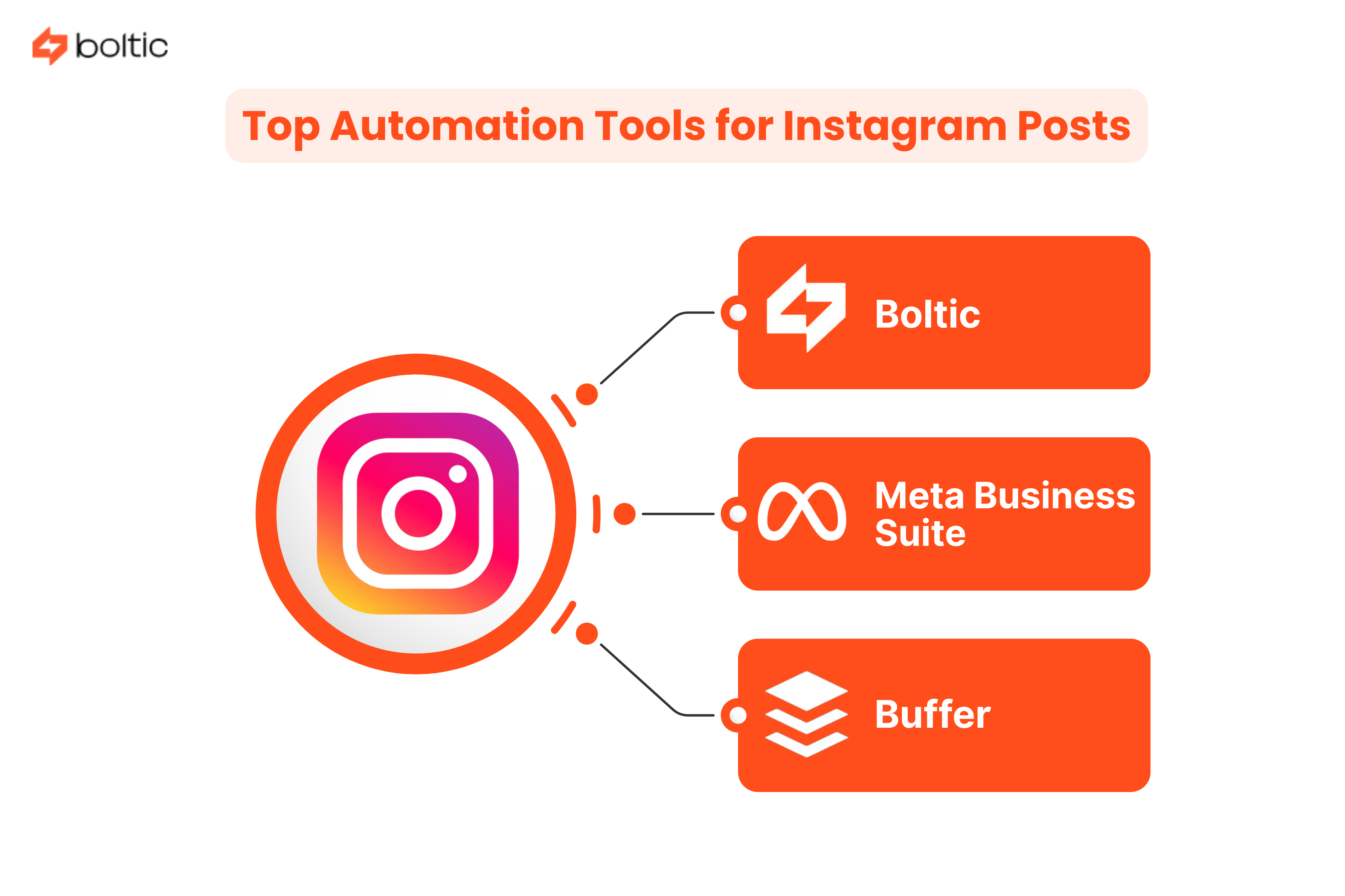
Automating Instagram posts has become easier for marketers/creators, and these tools are among their favourites for scheduled automated posting and engagement. They have been able to scale rapidly with the following workflow builders and execution models:
1. Boltic
A no-code AI-powered workflow automation platform, Boltic lets you use templatized workflows as well as build unique workflows to automate all tasks. With the use of a third-party integration tool, it posts content and media from configured folders and helps your page grow. It comes with innovative features that allow for tremendous data storage and accurate reporting, too.
- Simplified visual workflow builders.
- Efficient AI agent for automating complex posting tasks.
- Strong pipelines to track and store data in real-time.
- Serverless computing that allows for endless integration across applications.
- Unified view of analytics and reporting for targeted decision-making.
Boltic offers an extensive number of automation templates as well. In order to be convenient and efficient for marketers across industries, these pre-built workflows serve as all-in-one posting solutions.
2. Meta Business Suite
A native automation tool provided by Instagram’s parent company, Meta, it fulfils all the fundamental automation requirements for a new creator/page. Integrated with the application as well as Facebook, it enables users to schedule posts and track progress in one common place.
- One interface allows automation for cross-posting.
- Accomplishes basic scheduling and posting tasks, along with answering FAQs.
- Works in compliance with the platform’s rules at all times.
- Familiarity with Instagram’s features is a bonus.
It comes with several limitations for professional marketers or those looking to grow on Instagram. However, it's a good fit for a marketing novice.
3. Buffer
In essence, Buffer is a social media scheduling tool fit for building standard, limited workflows for posting on Instagram. The interface is simple and perfect for those looking to learn the primary ropes of automation for social media.
- Allows creation and scheduling of Instagram posts.
- Provides data analytics to track the performance of posts.
- Has free plans with limited features and paid plans for standard posting needs.
- Cannot be customized extensively to build unique workflows.
The Future With Instagram Automation
Artificial Intelligence and Machine Learning are rapidly changing the face of how interactions take place on Instagram. As tedious tasks get allocated to AI-powered tools and bots, marketers have begun focusing on building valuable communities with their audience. They are focusing on creating deep and real connections through creative strategies.
Pages are looking to connect with influencers that resonate more deeply with them, as well as their audience. It is being done through the use of automation tools. Naturally, brands are able to pay more acute attention to the needs of their customers.
What stands as a rising concern with the advancement of automation tools is the potential of Instagram turning into a digital world for chatbots. That seems far-fetched given how strict the API terms and conditions by Meta are. As thankful as we ought to be for that, a certain degree of discretion will need to be exercised when automating your Instagram. To what extent automation should be applied or limited has an evolving answer. However, a harmonious balance between automation and real communion is our best bet at smartly sustaining brand and customer connection in the long run.
Conclusion
Whether you’re gearing up to shift into automation for your Instagram or need to tweak workflows, the role played by automation tools is undeniable. Templatized workflows have emerged as a savior for independent marketers/creators who have to tackle originality and consistent engagement. Save time on the engagement bit by letting Boltic automate your Instagram posting through its workflow templates. That way, you can show up for your followers in more innovative and resonant ways.
drives valuable insights
Organize your big data operations with a free forever plan
An agentic platform revolutionizing workflow management and automation through AI-driven solutions. It enables seamless tool integration, real-time decision-making, and enhanced productivity
Here’s what we do in the meeting:
- Experience Fynd Boltic's features firsthand.
- Learn how to automate your data workflows.
- Get answers to your specific questions.