Discover Fynd products:





Test-template-Donot-use
Test-template-Donot-use
Send a Slack message when a webhook is triggered.


About
How to use this template
- Ensure you have a Slack account and necessary permissions to send messages via Slack API.
- Set up a webhook that will trigger the workflow upon receiving data.
- Configure the Slack node within the workflow to specify the user who will receive the message and the content of the message.
- Test the workflow by triggering the webhook and verifying that the Slack message is sent as expected.
Similar Templates
View all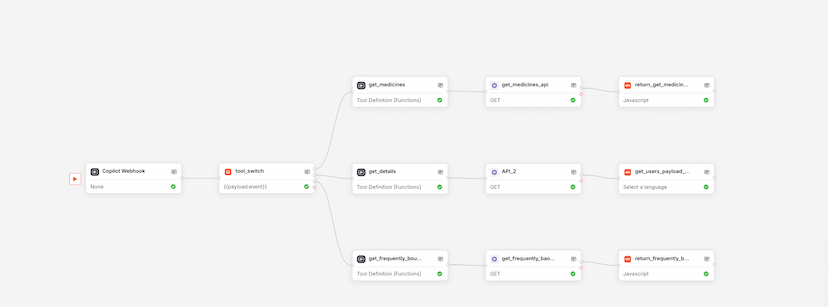
Workflow
Healthcare Agent
Used by 1kAutomates medicine searches and recommendations in healthcare settings.
healthcareautomation+4


Workflow
Monitor Slack
Used by 1kNotify Slack on synthetic monitor failures automatically.
monitorslack+5

Workflow
Dynamic Slack Notifier
Used by 1kAutomate Slack notifications using dynamic webhook triggers.
slacknotifications+4