



Transaction Data Sync Automation
Transaction Data Sync Automation
Automates syncing transaction data to CSV and uploads to cloud storage.

Integrations Used


About
How to use this template
- Ensure you have access to the required HTTP endpoint and MySQL database.
- Configure the start and end dates for the data query in the HTTP trigger.
- Run the workflow to fetch and process the transaction data.
- The data is converted to CSV format and uploaded to the designated cloud storage.
- Access the download link provided in the response to retrieve the CSV file.
Similar Templates
View all
Workflow
Prescription OCR
Used by 1kAutomate OCR extraction of prescriptions from email attachments.
ocrprescription+4


Workflow
Dynamic Slack Notifier
Used by 1kAutomate Slack notifications using dynamic webhook triggers.
slacknotifications+4
Workflow
Sales Data Logger
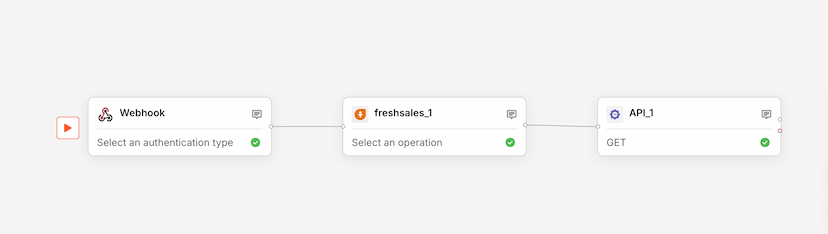
Used by 1kLog sales data from webhooks to Freshsales via API integration.
salesdata logging+4