



Line Chatbot
Line Chatbot
Automate responses to user messages on LINE using a custom AI agent.

Integrations Used

_1750416729837.svg)

About
How to use this template
- Ensure you have access to the LINE messaging app and the necessary API credentials.
- Set up the webhook to receive incoming messages from LINE.
- Configure the AI agent to process the message text and generate replies.
- Deploy the workflow and test it by sending a message to your LINE account.
- Monitor performance and make adjustments as needed to improve response accuracy.
Similar Templates
View all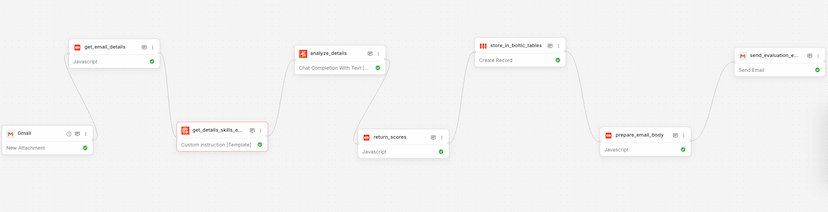
Workflow
Resume Analysis
Used by 1kAutomates resume analysis and sends evaluation reports via email.
resumeanalysis+6


Workflow
Product Onboarding & Embedding – Using OpenAI
Used by 1kAutomate product onboarding and embedding using OpenAI's API.
product onboardingopenai+4
Workflow
Kaily AI Tools
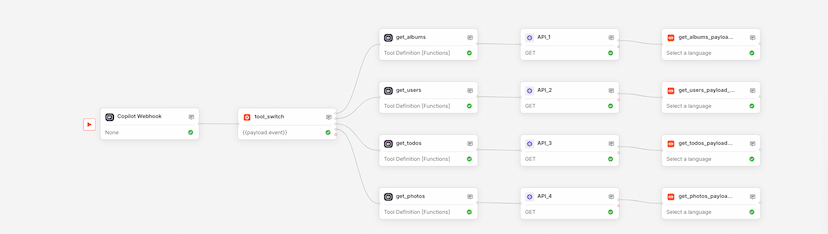
Used by 1kUse this Boltic workflow template to orchestrate Copilot.Live AI actions with webhook triggers, dynamic branching, and tool-based execution—no code required.
automationworkflow+5