



Prescription OCR
Prescription OCR
Automate OCR extraction of prescriptions from email attachments.
Integrations Used



_1727263329637_1735902460555.svg)
About
How to use this template
- Ensure you have access to a Gmail account and necessary permissions to integrate with the workflow.
- Set up the Gmail trigger to activate when a new email with attachments is received.
- The workflow will automatically extract prescription data using OCR technology.
- Review and store the extracted data in your patient management system for further use.
No technical expertise is required, but familiarity with email and basic workflow operations is beneficial.
Similar Templates
View all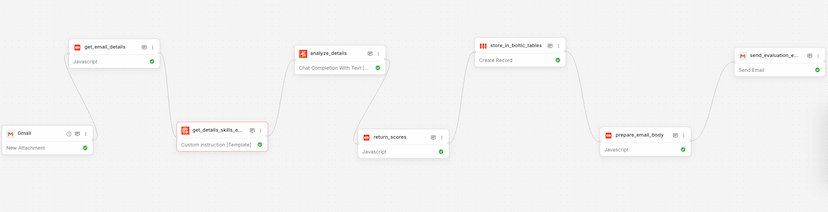
Workflow
Resume Analysis
Used by 1kAutomates resume analysis and sends evaluation reports via email.
resumeanalysis+6

Workflow
Product Onboarding & Embedding – Using OpenAI
Used by 1kAutomate product onboarding and embedding using OpenAI's API.
product onboardingopenai+4
Workflow
Kaily AI Tools
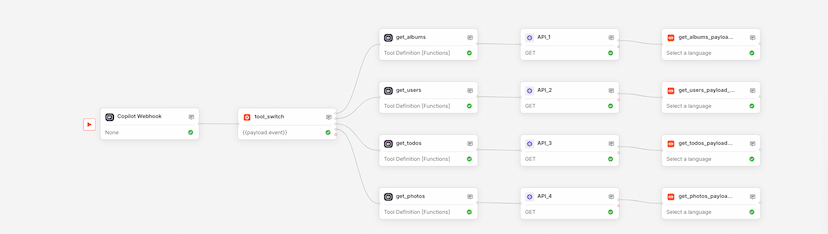
Used by 1kUse this Boltic workflow template to orchestrate Copilot.Live AI actions with webhook triggers, dynamic branching, and tool-based execution—no code required.
automationworkflow+5