



Store Count Automation
Store Count Automation
Automates daily store status reports and emails them to the team.

Integrations Used
_1744196091410.svg)


About
How to use this template
Similar Templates
View all
Workflow
Prescription OCR
Used by 1kAutomate OCR extraction of prescriptions from email attachments.
ocrprescription+4


Workflow
Dynamic Slack Notifier
Used by 1kAutomate Slack notifications using dynamic webhook triggers.
slacknotifications+4
Workflow
Sales Data Logger
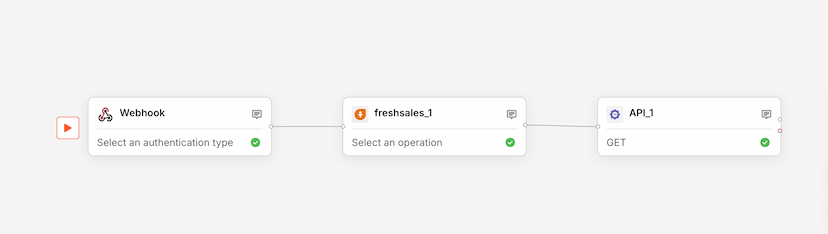
Used by 1kLog sales data from webhooks to Freshsales via API integration.
salesdata logging+4