



Migrate from Freshsales to HubSpot
Migrate from Freshsales to HubSpot
Seamlessly migrate CRM data from Freshsales to HubSpot.

Integrations Used


About
How to use this template
Ensure both Freshsales and HubSpot accounts are configured and accessible.
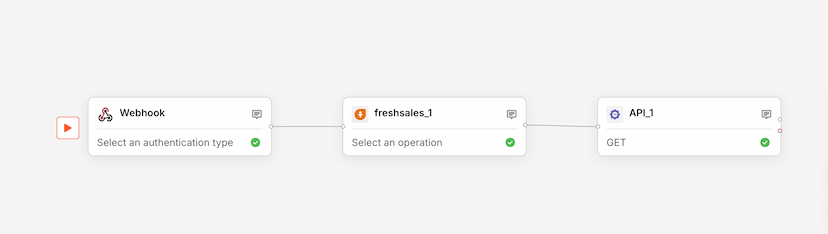
Set up the webhook trigger in Freshsales to initiate the workflow upon relevant events.
Verify the Freshsales node configuration for data retrieval parameters.
Configure the HubSpot node to receive and store the migrated data.
Test the workflow to ensure data is accurately transferred.
Monitor the workflow for any errors or required adjustments during the migration process.
Similar Templates
View all
Workflow
Prescription OCR
Used by 1kAutomate OCR extraction of prescriptions from email attachments.
ocrprescription+4


Workflow
Dynamic Slack Notifier
Used by 1kAutomate Slack notifications using dynamic webhook triggers.
slacknotifications+4
Workflow
Sales Data Logger
Used by 1kLog sales data from webhooks to Freshsales via API integration.
salesdata logging+4