



Delivery Delay Automation


_1744196131833.svg)
_1744196146163.svg)
Ensure you have access to the relevant Google Sheets document with order details.
Set up the Copilot Webhook to trigger the workflow based on specific events.
The workflow automatically checks orders for delayed deliveries and updates their status in Google Sheets.
If a delivery is delayed and no complaint ticket exists, the workflow will generate a ticket and update the sheet.
Review and respond to any generated tickets as needed.
Ensure that your team is trained to manage and interpret the automated updates efficiently.
Prescription OCR
Used by 1kAutomate OCR extraction of prescriptions from email attachments.


Dynamic Slack Notifier
Used by 1kAutomate Slack notifications using dynamic webhook triggers.
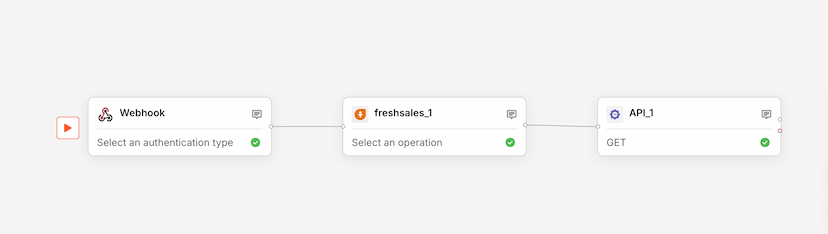
Sales Data Logger
Used by 1kLog sales data from webhooks to Freshsales via API integration.