


Seamless
Paddle to Schedule
workflow Integration with Boltic workflow
Integrating Paddle with Schedule workflow using Boltic Workflow enhances your business operations by automating create product to undefined.
Join the list of data-driven teams growing with Boltic





Automate your future with boltic supported triggers and actions
Actions

Create Product
Action
Create a new product in Paddle with specified details like name, description, an
Get Product
Action
Retrieve details of a specific product using its ID
List Products
Action
Get a paginated list of all products in your Paddle account
Update Product
Action
Modify existing product information such as name, description, or status
Create Price
Action
Create new pricing configurations for products with currency and amount details
Automate Paddle integration
with Boltic templates
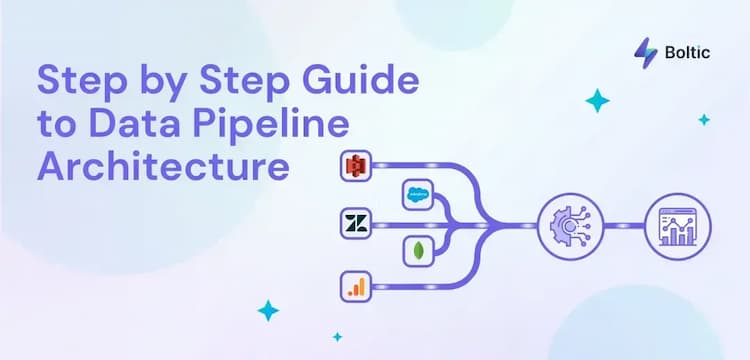
A Simple Step by Step Guide to Data Pipeline Architecture

What is Data Transformation in ETL?

How To Connect Google Sheets With Webhooks - Step by Step
Similar Integration
_1744196109314.svg)



_1722521269823.svg)

Createtheautomationthatdrivesvaluableinsights