


Seamless
Browserbase to Zendesk
Integration with Boltic workflow
Integrating Browserbase with Zendesk using Boltic Workflow enhances your business operations by automating list projects to create ticket.
Join the list of data-driven teams growing with Boltic





Automate your future with boltic supported triggers and actions
Actions

List Projects
Action
Retrieves all available Browserbase projects for the authenticated account
List Sessions
Action
Retrieves a list of browser sessions with optional status filtering for monitori
Open Webpage
Action
Opens a specified URL in a browser session and waits for the page to load comple
Capture Screenshot
Action
Takes a screenshot of a webpage after navigating to the specified URL and return
Custom Action
Action
Executes custom JavaScript code in a browser session for advanced automation, we
Automate Browserbase integration
with Boltic templates
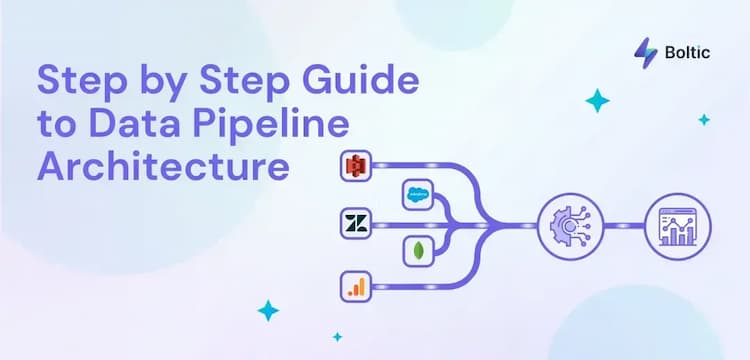
A Simple Step by Step Guide to Data Pipeline Architecture
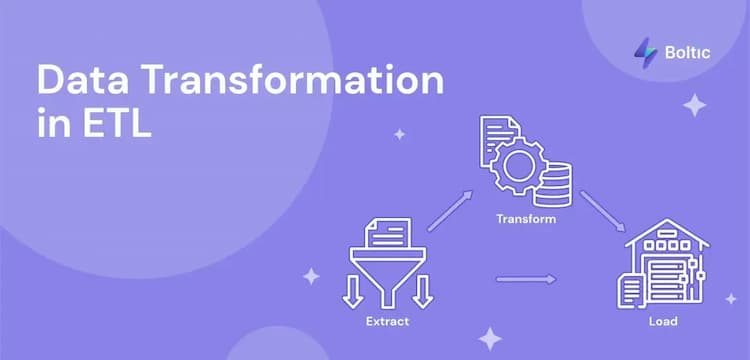
What is Data Transformation in ETL?
How To Connect Google Sheets With Webhooks - Step by Step
Similar Integration



_1744196166078.svg)


Createtheautomationthatdrivesvaluableinsights